
Trying to cancel your Kling AI subscription but don't know how? Don't worry! In this guide, we will walk you through the steps of canceling your subscription.
We will also let you know what will happen after the subscription is canceled. So read on to find out more!
Table of Contents
Steps to Cancel Kling AI Subscription
Here are the steps you need to follow to cancel your subscription to Kling AI.
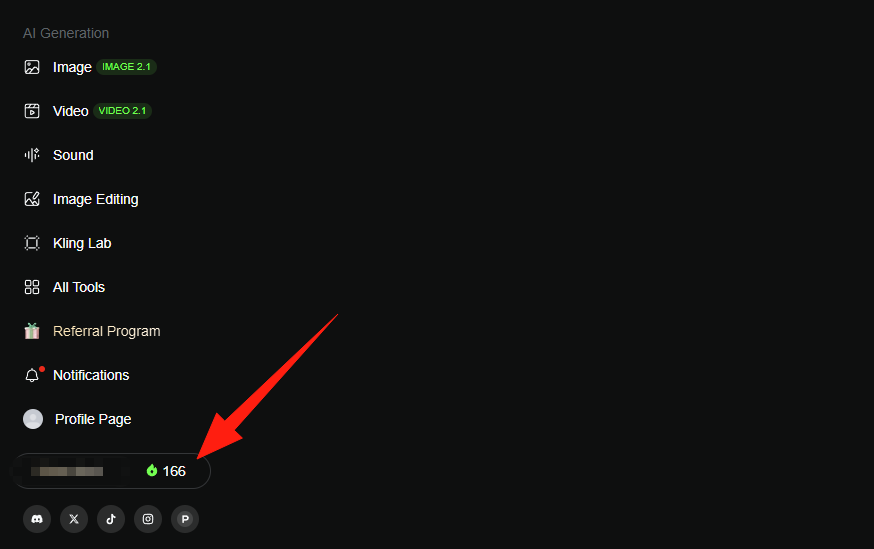
Go to the Kling AI dashboard.
Click the subscription status under Profile Page.
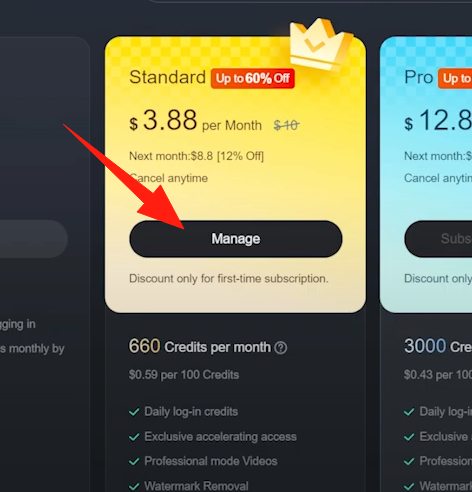
Click the Manage button of your current subscription.
Click the Cancel Subscription button.
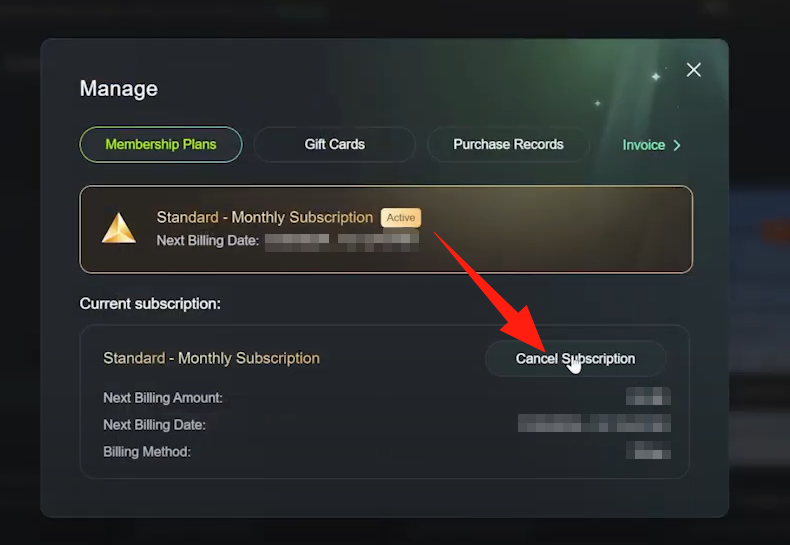
You'll be redirected to the billing management page of Stripe. Follow the on-screen instructions there to cancel your subscription.
What Will Happen After Your Subscription is Canceled
When your subscription has been canceled, there are a few things you should note.
Your subscription will not end immediately
It will still be valid until its expiry date. You can still use it and enjoy the benefits by that time.
You'll not be charged after the expiry date
The auto payment will stop after you cancel your subscription. If you're still charged, contact the Kling AI support for help.
You'll be downgraded to the Free plan
You'll only get 166 credits per month from Kling AI.
Need an Alternative to Kling AI? Try HIX AI!
If you cancel your Kling AI subscription because you don't like its services, you can try one of Kling AI alternatives. Among them, we suggest you try HIX AI!
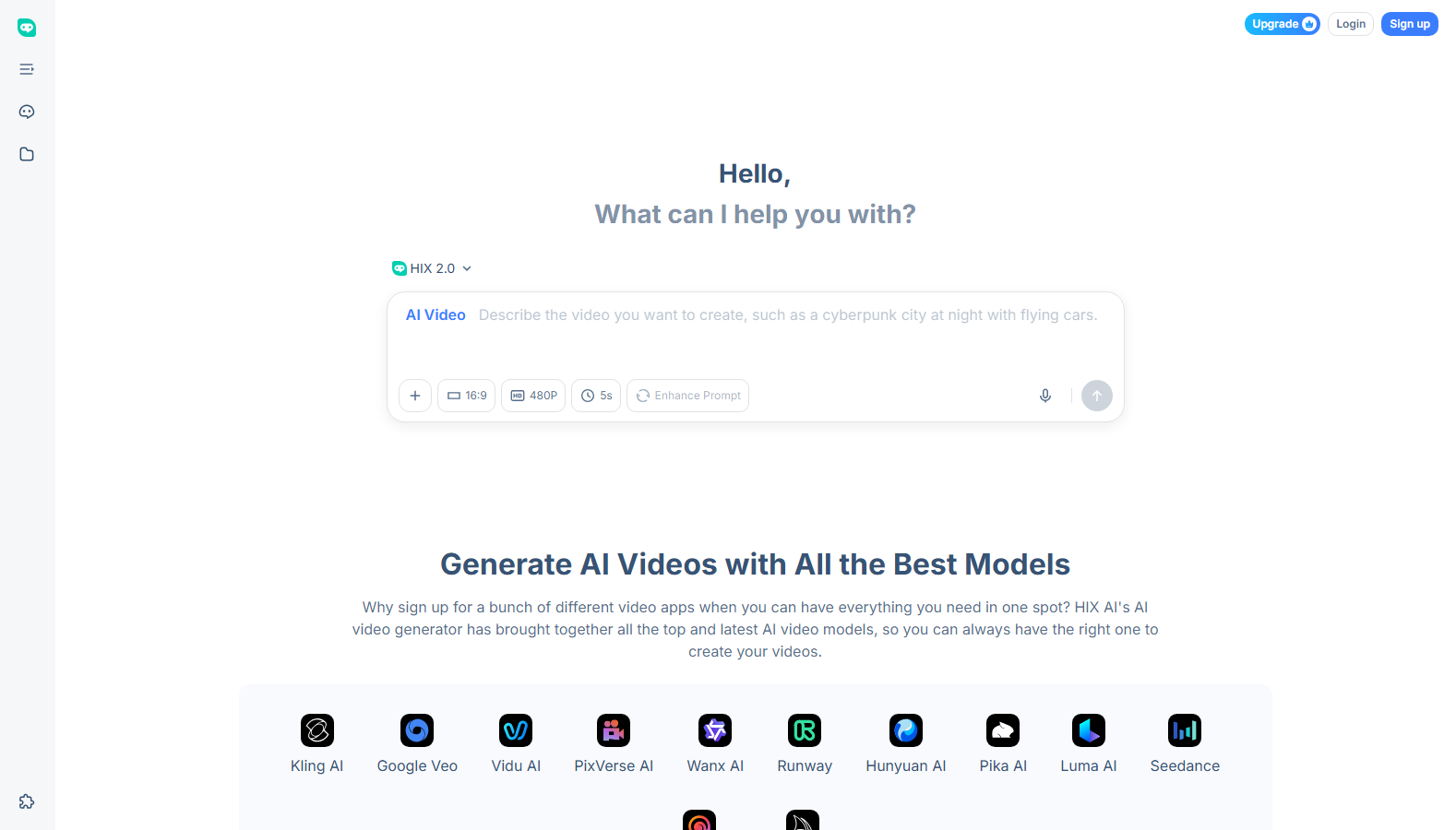
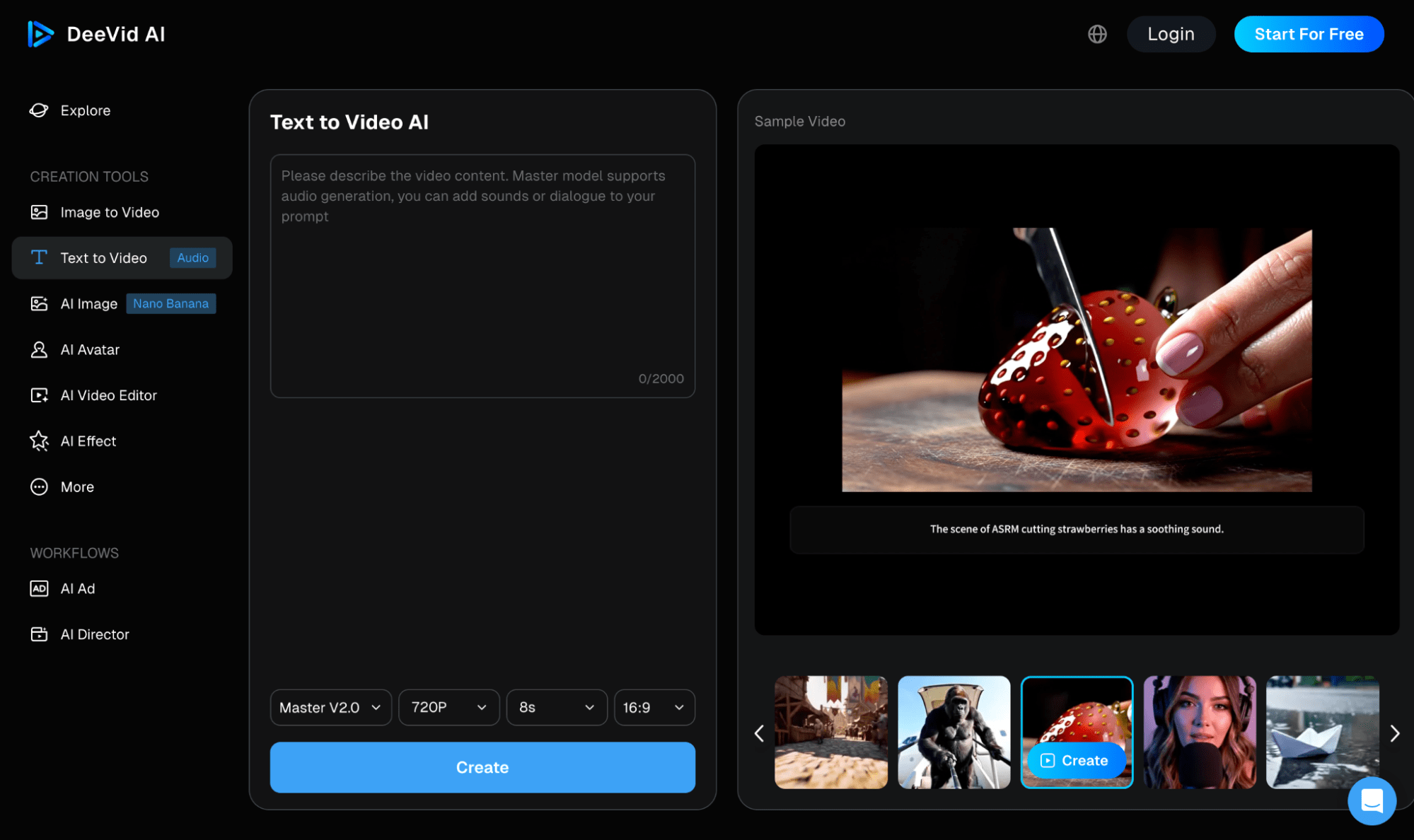
HIX AI comes with an easy-to-use, comprehensive AI video and AI image generators. You can chat with them like with other AI chatbots to generate, recreate, or adjust AI videos and images.
You can try all the best AI image and video models in HIX AI. There are Google Veo, Runway, Seedance, Hailuo, Wan AI, PixVerse, Vidu AI, Pika AI video models. And to generate AI images, you can try Google Nano Banana, GPT-4o, Flux, Midjourney, and more.
With HIX AI, you can get high-quality AI videos/images in various styles. The outputs come with realistic rendering and high definition.
In addition, you can try HIX AI's AI video effects and photo filters, which lets you create specialized creative AI videos and images easily. For example, you can create an AI kissing video, or a selfie with a celebrity.
Interested? Give HIX AI a try now!
🔒Privacy-first • 💳Free trial available • 🌟4.8/5 Rating
FAQs
Will I receive a refund for the unused portion of my billing cycle?
No, Kling AI does not offer refunds for early cancellation. Once you cancel, your premium features and plan status will remain active until the end of your current billing period, after which your account will automatically downgrade to the free tier.
What happens to my remaining professional credits after I cancel?
Your subscription credits usually remain valid only until the end of your current billing cycle. Once the cycle ends and your account downgrades to the free version, any unused monthly subscription credits are typically forfeited.
Will I lose access to my generated videos if I cancel my subscription?
No, you will not lose access to your past creations. You can still view and download your previously generated videos, but you will lose access to premium features for future projects.