


Kling AI was one of the very first AI video generators that I used, and I could immediately see why it was so hyped up. Its capacity for creating stunning, cinematic scenes is remarkable.
But I also recognize that Kling AI has its faults. In fact, my experience generating AI videos with it has been frustrating, to say the least, and perhaps some of you can relate to that.
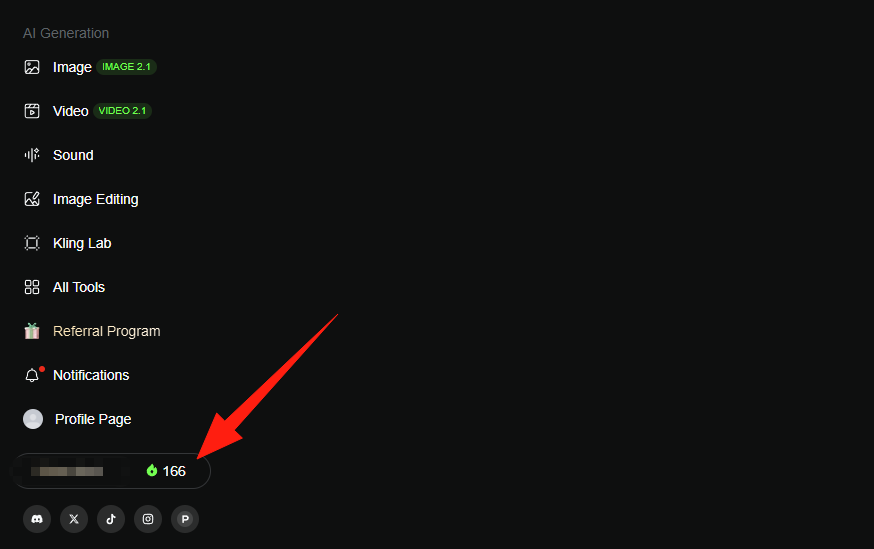
Aside from inconsistent video outputs and having to make repeated generations that consume a lot of credits, I have also faced error issues like ‘Generation Failed’ or ‘Failed To Submit Task’.
So, I thought to myself: there has to be another option! After multiple tests, I put together this list of the 10 best Kling AI alternatives that I’m confident can do the job just as well, if not better.
1. HIX AI Video Generator - Best Kling AI Alternative Overall
2. Veo - Best Kling AI Alternative For Complex Visual Scenes
3. Runway - Best Kling AI Alternative For Post-Production Editing
4. PixVerse AI - Best Kling AI Alternative For Prompt Adherence
5. Pika AI - Best Kling AI Alternative For Stylized Videos
6. Seaweed AI - Best Kling AI Alternative For Realistic Characters
7. Luma AI - Best Kling AI Alternative For Conceptual Renders
8. Hunyuan - Best Kling AI Alternative For Multi-Camera Sequences
9. Krea AI - Best Kling AI Alternative For Lightning Fast Renders
10. Stable Video Diffusion - Best Kling AI Alternative For Custom Frame Rates
HIX AI Video Generator - Best Kling AI Alternative Overall
Chat to Generate AI Videos
Out of all the numerous options I tested, none of them came close to being a better Kling AI alternative than HIX AI. After all, why settle for just using one AI video model?!
Using the AI video generator, I can access the latest, industry-leading AI video models in one place. There’s no need to shuffle from one platform to another for the perfect video output.
With text to video AI, image to video AI, and video to video AI supported, I can not only use Kling AI, but also Hailuo AI, Sora 2, Vidu AI, Seedance, etc.
And it is one of the few generative AI tools that operates via chat. So, whether I want to create, edit or reimagine footage, I can continue to do it in conversation with simple instructions.
But most importantly, I find HIX AI to be incredibly reliable. Compared to Kling AI, it has fewer downtimes, produces high-quality outputs more consistently, and boasts faster generations!
Pros:
- Integrated with multiple AI models
- High-fidelity video & image outputs
- Fast & stable generative performance
- 200+ AI video & photo effects
Cons:
- Limited credits on free plan
😀Free trial available • 💳Credits-based pricing • ⚡Instant results
Veo - Best Kling AI Alternative For Complex Visual Scenes
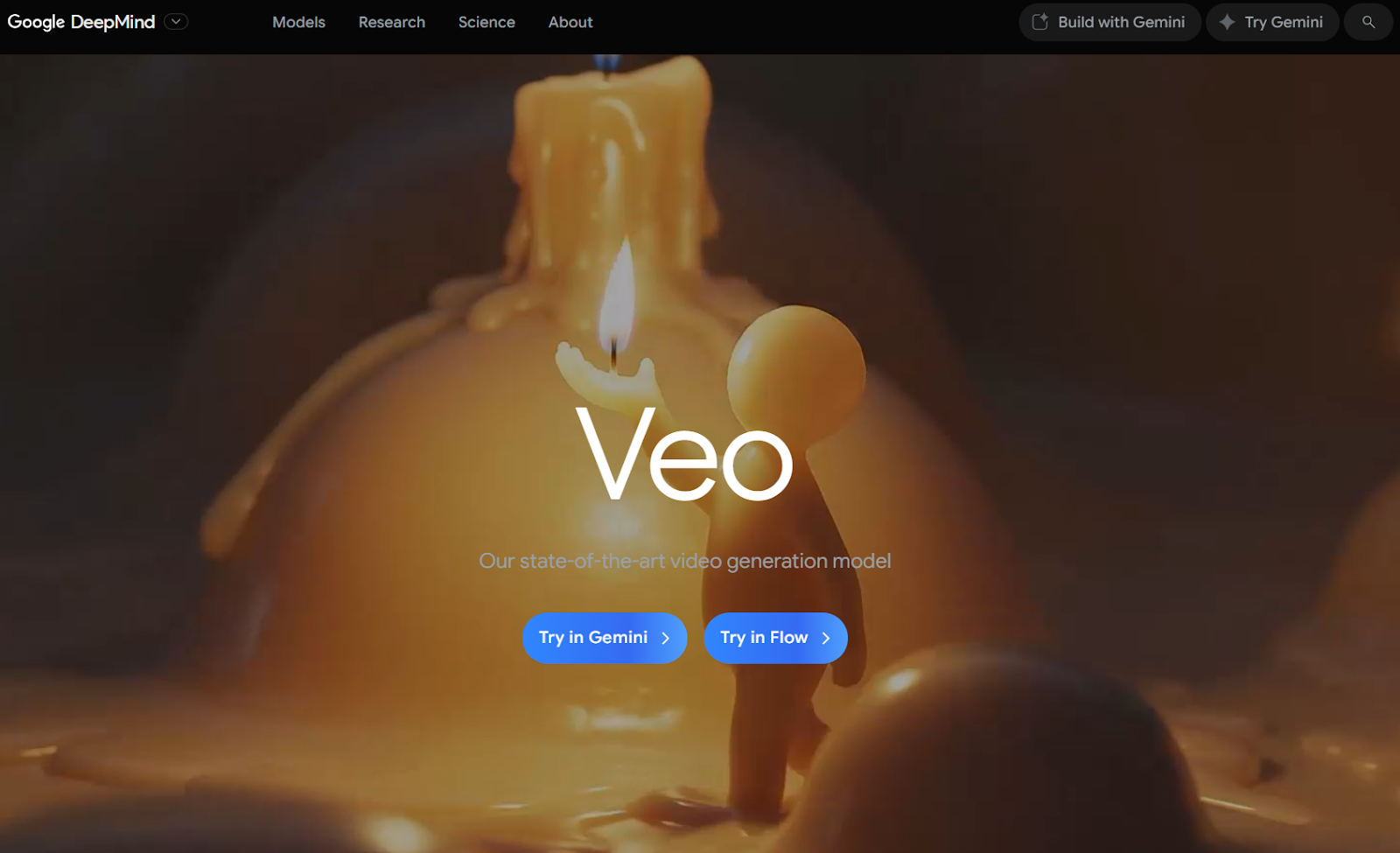
If I needed to create a truly cinematic video with fully integrated soundscapes, then the latest Google Veo 3.1 model would be a nice choice.
From lighting to textures to environments, Veo 3.1’s capacity to analyze prompts and intuitively produce immersive and dynamic sequences that feel rich and cohesive is astounding.
Even the characters look lifelike with natural, physics-aware movements. And with its clear understanding of directorial terms, I can use it to produce complex scenes with dynamic camera paths.
And for the icing on the cake, Veo 3.1 has native audio generation capabilities. This lets me generate full scenes with sound effects, dialogue, background music, etc.
But the flip side is that Veo 3.1 isn’t always consistent. From missing audio to distorted elements, it can be hard to know just how solid or not the output it generates will be.
Pros:
- Rich and dynamic visual renders
- Intuitive prompt responsiveness
- Supports native audio
Cons:
- Inconsistent visual outputs at times
- High credit consumption costs
Runway - Best Kling AI Alternative For Post-Production Editing

Runway is an AI video generator that can rival Kling AI in visual quality. In particular, I’ve seen it excel at maintaining character consistency across various shots, angles, and scenes.
I also like how clean, minimalistic, and simple Runway’s interface is. Even as a first-time user, I doubt it would take long to learn how to navigate your way around it.
But what I see as its key highlight is its editing capabilities. With the Runway Aleph model, I can make masterful edits to camera angles, lighting, objects, subjects, and more via simple prompts.
For this reason, I believe it would be significantly easy to produce more personalized video outputs with Runway than most other AI video generators.
But the issue with this platform is that its latest Gen-4 models only support image-to-video generation. It also doesn’t support native audio generation.
Pros:
- Incredibly sleek interface
- Powerful AI video editing
- Cinematic scene compositions
Cons:
- Text to video only on older models
- Does not generate audio
PixVerse AI - Best Kling AI Alternative For Prompt Adherence
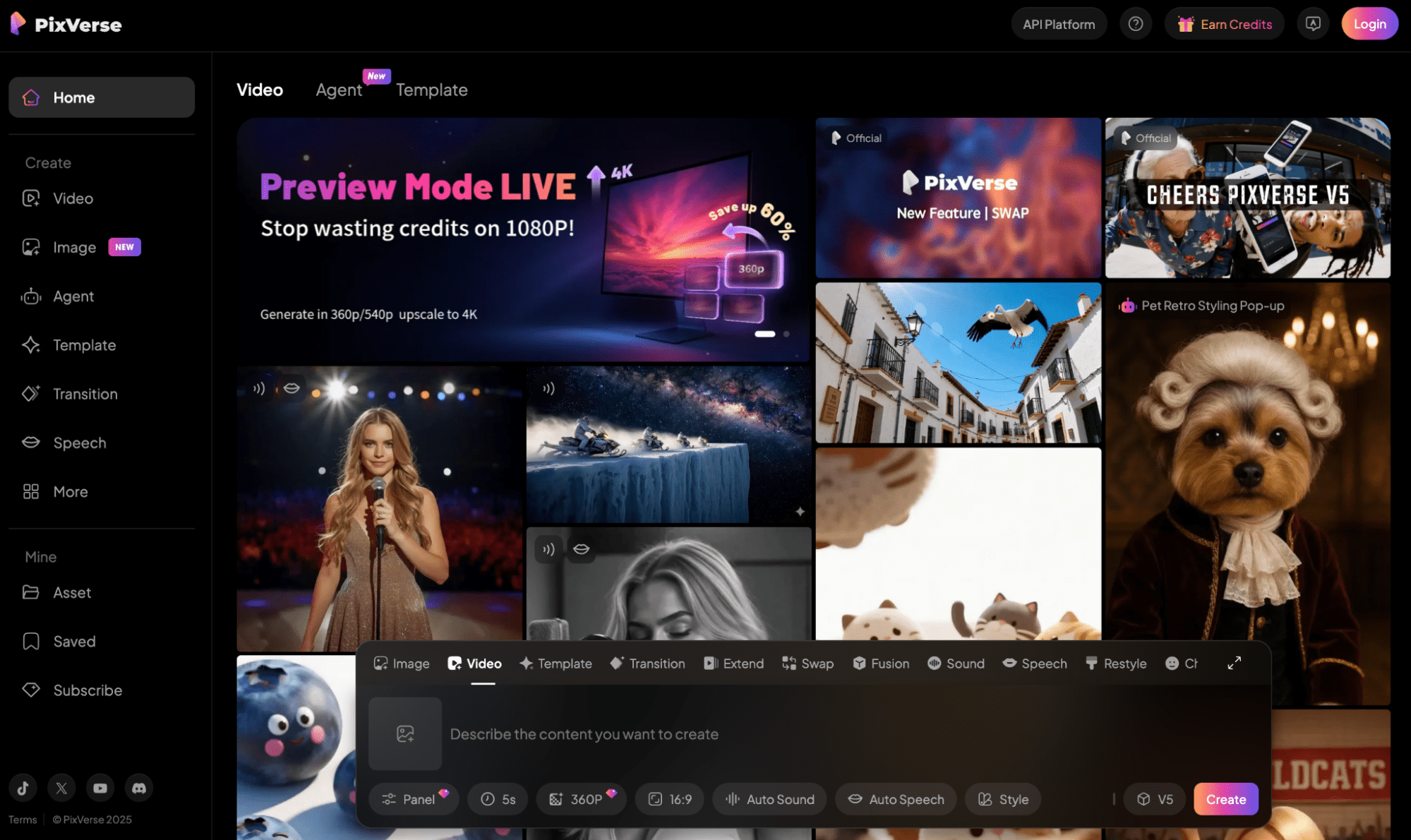
Based on my tests with the V5 model of PixVerse AI, I consider it well-suited for generating smooth visual scenes with natural and rhythmic motion dynamics like dance videos.
But where it truly shines is in its prompt interpretation. PixVerse V5 responds very precisely to cinematic direction, capturing even the subtlest details on lighting, mood, style, motion, etc.
It also understands context intuitively enough for creative visual narratives. Even rendering text in videos across a wide range of different fonts is quite straightforward with PixVerse V5.
Aside from that, this AI video generator also lets me add sound effects and background music to the videos. Because of this, it becomes easier to make the videos more immersive.
However, the frustrating irony with this platform is its prompt sensitivity. I find that even with slight tweaks to the prompts, the outputs it generates can be vastly different.
Pros:
- Fast video generation
- Smooth motion dynamics
- Precise prompt responsiveness
Cons:
- Limited customization
- Too sensitive to prompt changes
Pika AI - Best Kling AI Alternative For Stylized Videos
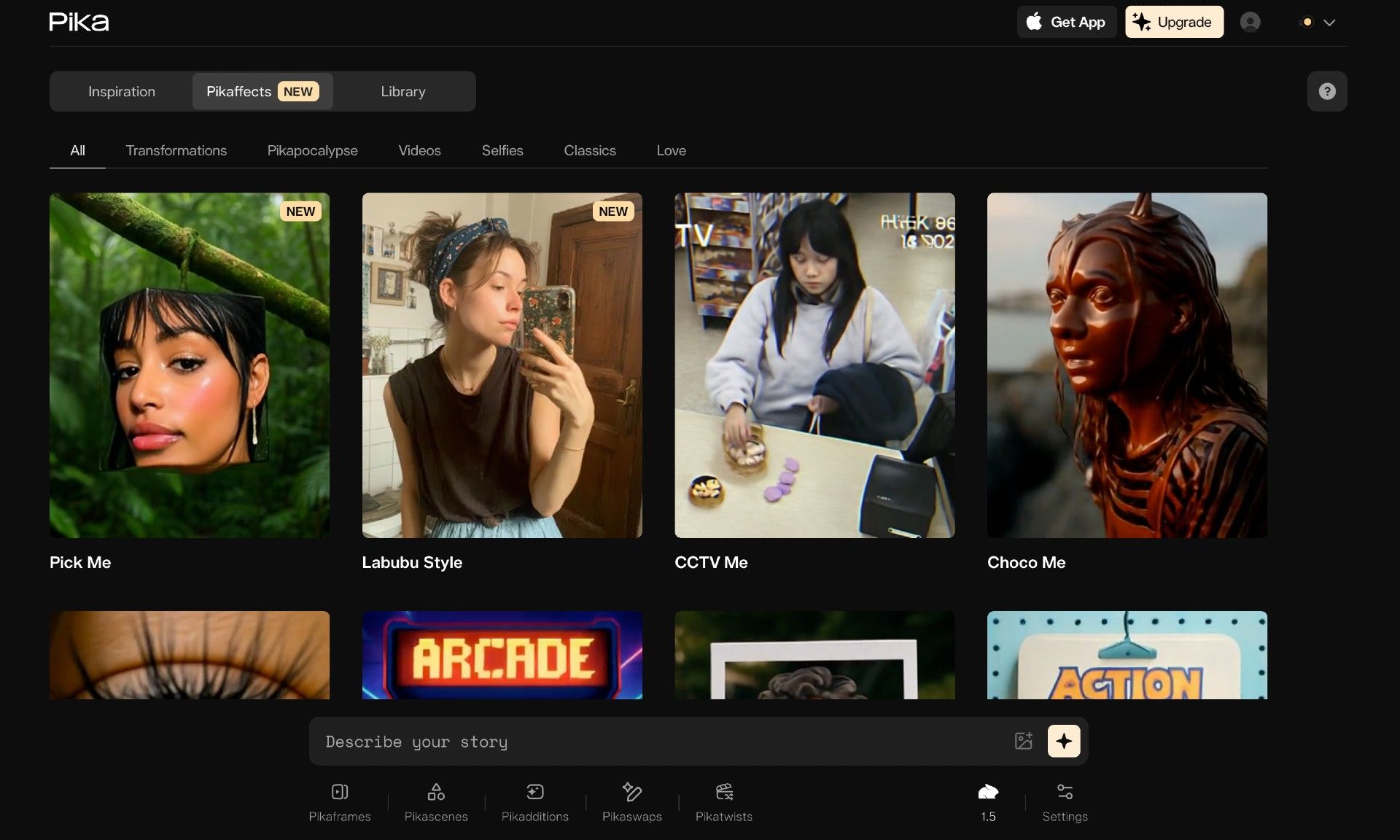
If you want to generate videos with an extra touch of creativity, then I recommend Pika AI. With features like Pikadditions, Pikatwists and Pikaswaps, you can produce stylized footage in a flash.
All it takes is a few simple prompts, and I can freely add characters or objects, replace them, transform them, etc, with Pika AI still maintaining the scene composition and lighting.
There’s even the Pikaffects feature, which I can use to instantly modify characters, objects, environments, etc, in all kinds of fun and unexpected ways.
This level of creative editing opens up new avenues for imaginative experimentation. For this reason, I think it can be perfect for producing entertaining video clips for social media.
But the problem I have with Pika AI is that the level of visual realism isn’t always great. Moreover, basic features like no watermarks are only available on higher-tier plans.
Pros:
- Highly stylized video creation
- Simplistic user interface
- Creates videos quickly
Cons:
- Limited advanced controls
- Poor visual realism at times
Seaweed AI - Best Kling AI Alternative for Realistic Characters
Having used Seaweed AI, I’ll admit that its capacity to render realistic characters impressed me. From humans to animals, it has a knack for nailing that natural look that most other tools fail at.
In fact, the AI model can even create realistic human character videos from audio inputs with synchronized mouth movements and body gestures that match the audio’s tone.
I was also surprised to see that it can generate both video and audio. So, if I ever need to create an immersive visual scene with fitting sound effects, Seaweed can deliver.
But what I enjoyed most about it is its duration limit. With this AI video generator, I can produce scenes up to 20 seconds long for more captivating storytelling.
On the other hand, I dislike how Seaweed AI’s outputs can present choppy scenes at times. It also isn’t the most consistent with following the prompt instructions.
Pros:
- Realistic character renders
- Supports text/image/audio inputs
- Native audio generation available
Cons:
- Unstable visual scenes at times
- Inconsistencies with prompt adherence
Luma AI - Best Kling AI Alternative For Conceptual Renders
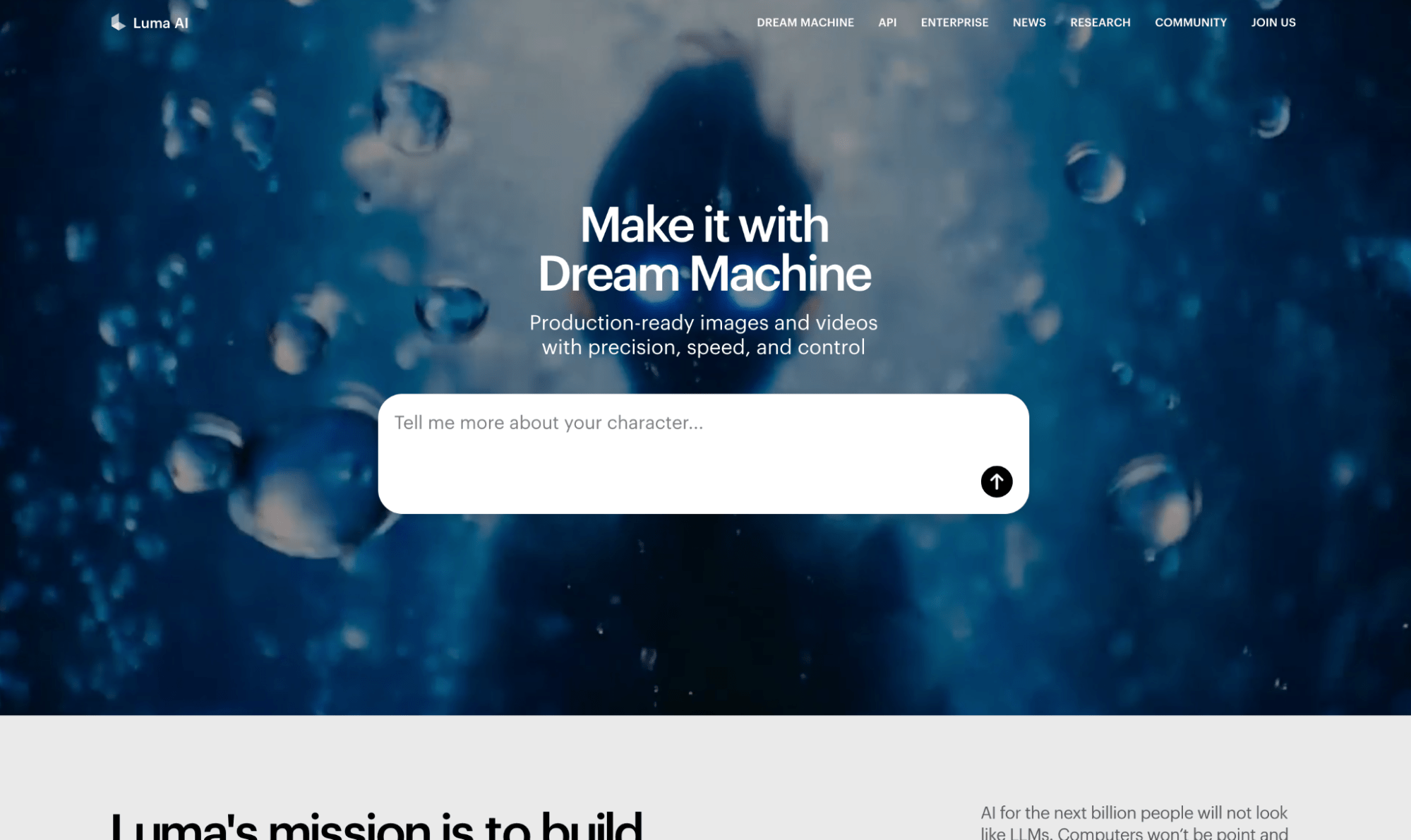
Luma AI is a great option for producing unique scene compositions that need to pop out, like product showcases, realistic 3D renders, gaming/fantasy/surreal cinematics, etc.
This also includes animation-style renders like Pixar, anime, etc. In other words, I consider Luma AI to be quite an imaginative solution for producing out-of-the-box visual ideas.
And given how it also supports dynamic camera motion, it becomes possible to turn those conceptual scenes into captivating cinematic shots.
I also like Luma AI’s looping feature. Just one click and I can instantly create scenes with seamless continuous motion; no cuts or jumps.
But this AI video generator is not the fastest at generating videos. Plus, I noticed how the outputs don’t typically meet expectations on the first attempts.
Pros:
- Caters to unique visual concepts
- Dynamic camera movements
- Seamless looping videos
Cons:
- Unstable visual outputs
- Slow video rendering at times
Hunyuan - Best Kling AI Alternative For Multi-Camera Sequences
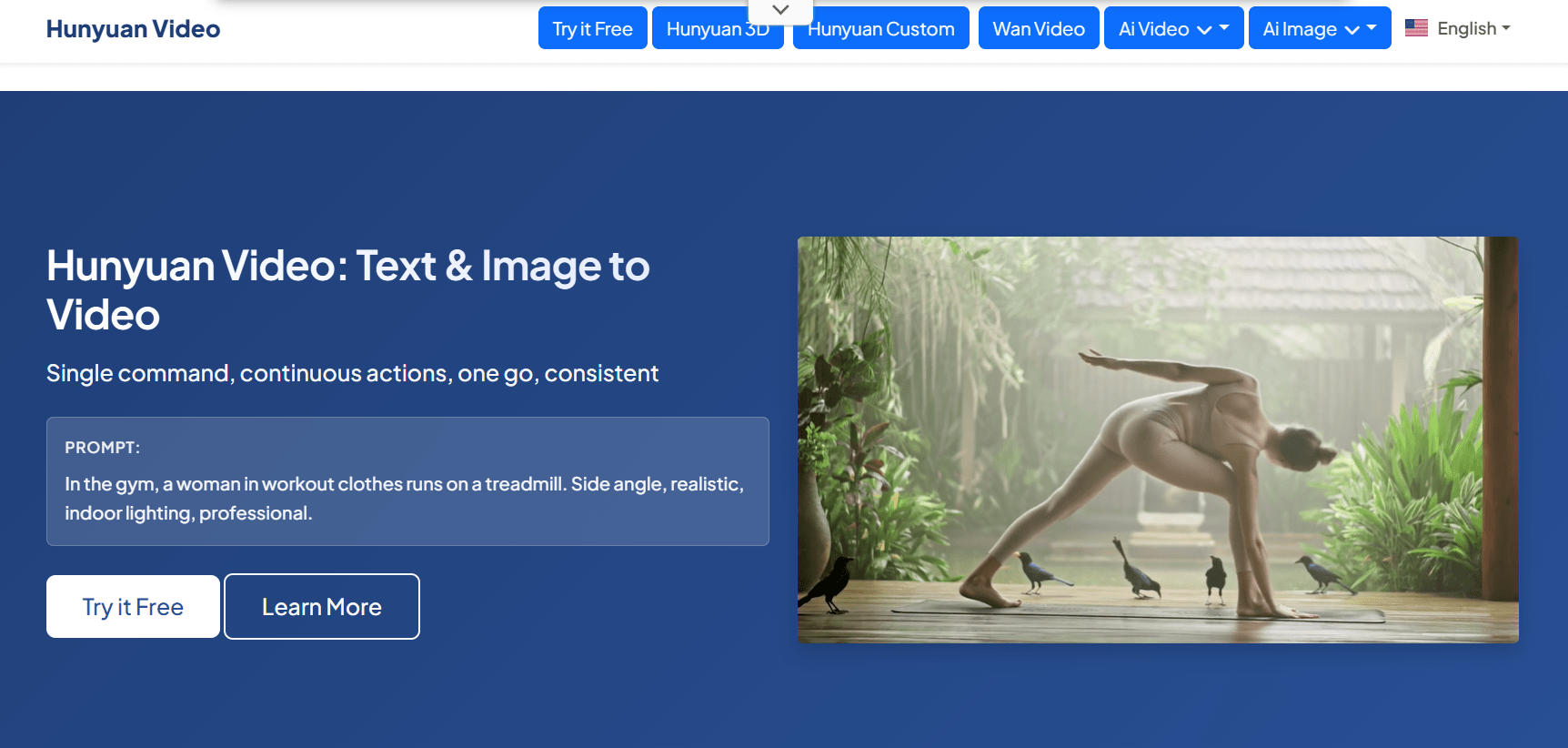
I recommend Hunyuan for producing videos that flow harmoniously between multiple camera shots without compromising the character and scene coherence.
For instance, you can get a wide shot, a close-up shot, and a medium shot under one sequence. Just describe them in your single prompt, and Hunyuan will handle the rest.
Aside from its ability to deliver seamless scene transitions, Hunyuan boasts accurate prompt responsiveness, especially when the instructions are simplistic.
It also offers multimodal support with both text and image-to-video for multiple aspect ratios. This makes it easy for me to create footage and publish it across different platforms.
On the flip side, Hunyuan offers no video customization controls. It can also be rather slow to process video requests, depending on their complexity.
Pros:
- Superior camera movement
- Supports text and image inputs
- HD video outputs
Cons:
- Slow video generation
- Lacks customization options
Krea AI - Best Kling AI Alternative For Lightning Fast Renders
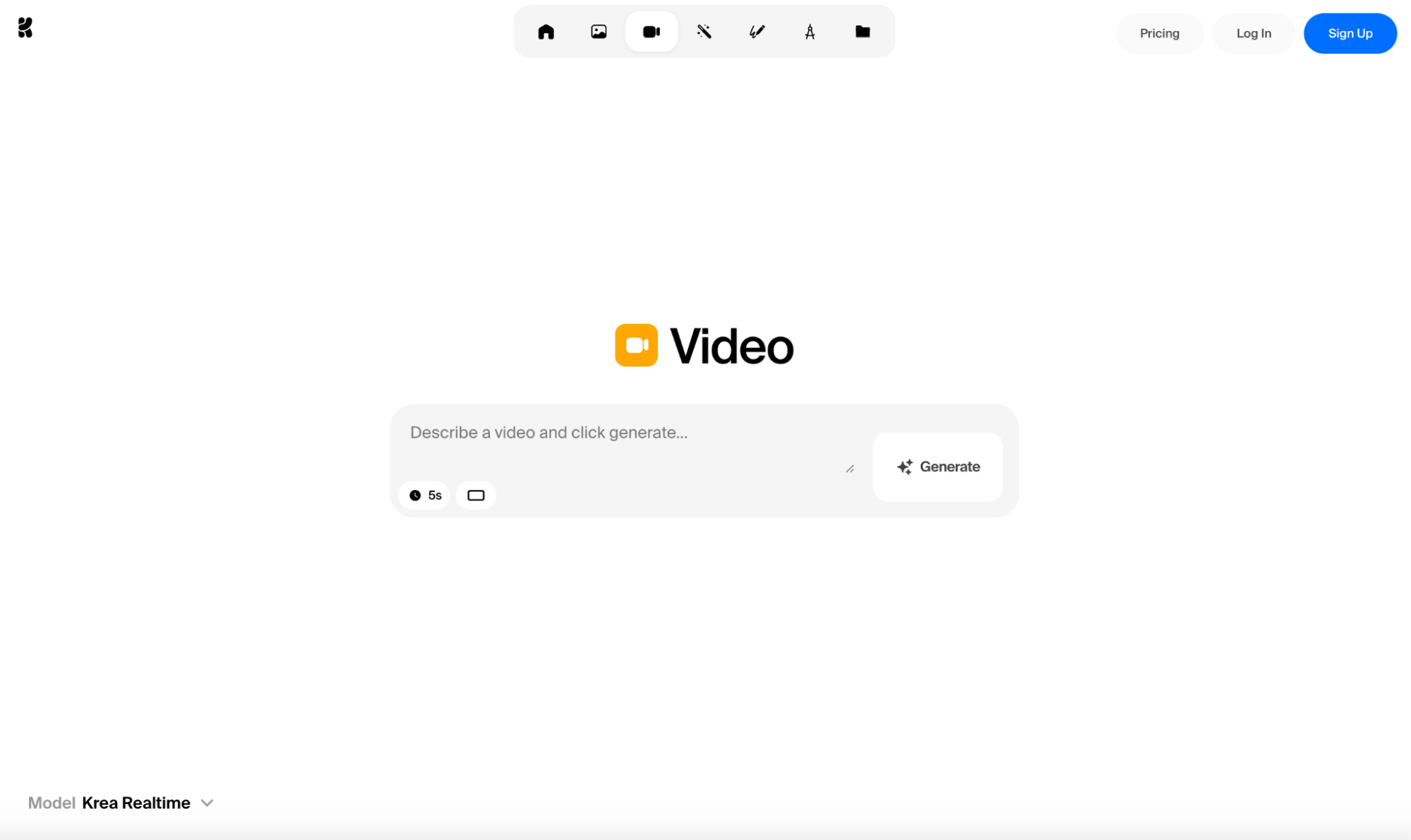
Experimenting with different visual ideas requires fast video processing speed. And this is the one area that I can confidently say Krea AI excels over the rest.
In fact, Krea AI can actually generate videos faster than playback, allowing me to create and edit videos in real time without even having to sacrifice visual coherence.
Because of this, I can get immediate feedback, brainstorm ideas, change inputs, and refine my video creations as many times as needed, in no time at all.
Krea AI also supports up to 15-second video generations, which I appreciate because it means I can freely explore longer visual narratives.
The only issue I have with Krea AI is the visual quality. Compared to other Kling AI alternatives, the outputs are severely lacking in detail and realism.
Pros:
- Real-time video generation
- Longer video durations
- Beginner-friendly UI
Cons:
- Outputs lack visual realism
- No video editing tools
Stable Video Diffusion - Best Kling AI Alternative For Custom Frame Rates
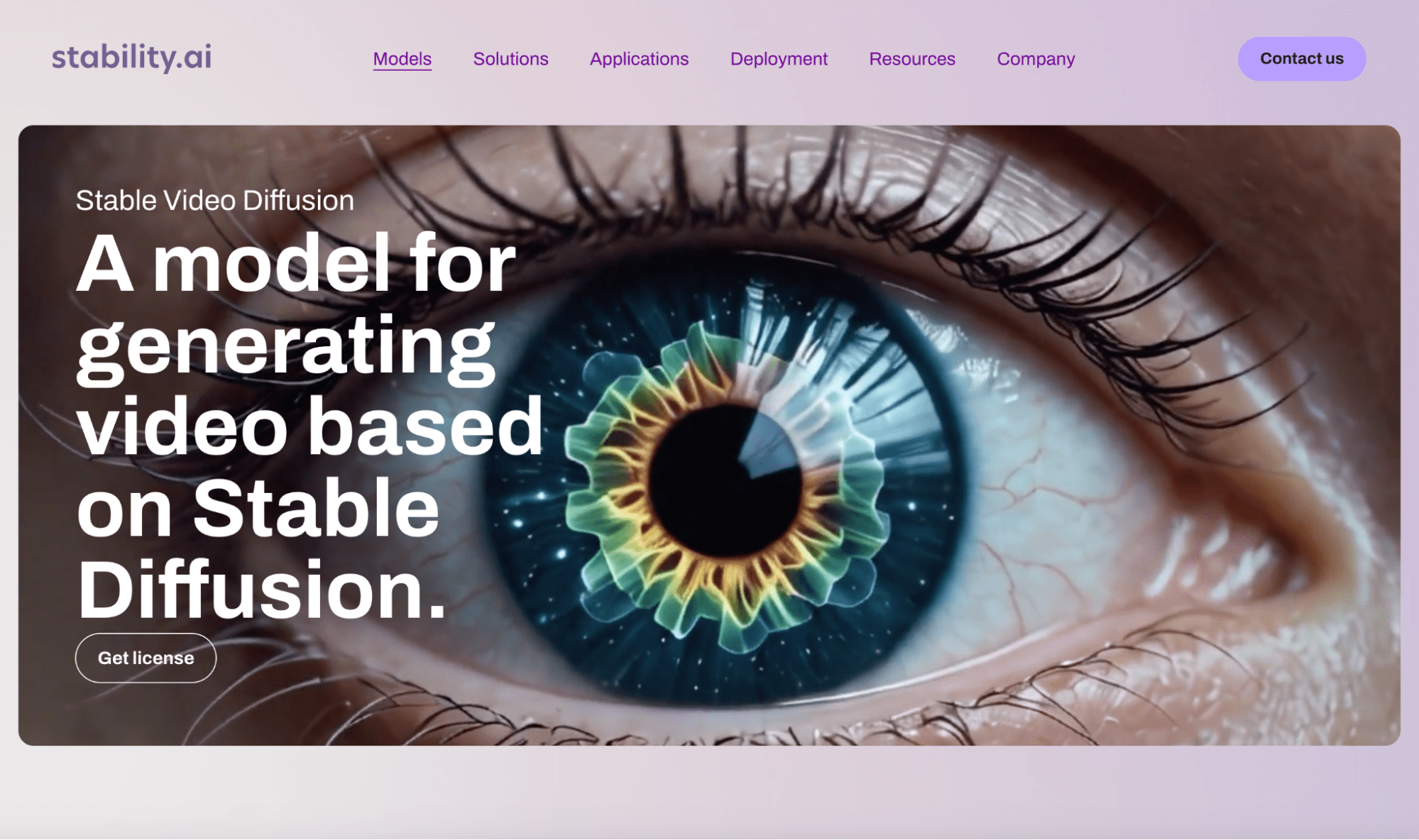
Stable Video Diffusion is very unique in that it allows you to customize the frame rates of any generated videos. To be precise, I can freely set it between 3 and 30 frames per second.
This lets me control just how smooth or choppy the final video render will be. In doing so, I can effectively tailor the style/viewing experience, depending on my needs.
I also must commend its image to video capabilities. With this AI video generator, there are rarely any major deviations in style or character design, respecting the source material well.
In addition, I appreciate how Stable Video Diffusion also offers other customization options. I can adjust the dynamic camera views and even tinker with the video’s motion strength.
However, even with that, I don’t see it as very effective at animating characters. In most cases, the camera view changes, but it often struggles to make the subjects move realistically, if at all.
Pros:
- Multiple camera view controls
- Customizable frame rates
- Cost-effective AI video model
Cons:
- Struggles with lifelike character motion
- Offers low video durations
Conclusion
Kling AI is a powerful AI video generator; there’s no doubt about it. It stands as a pioneer in the industry, especially where cinematic realism and detail are concerned.
But for some of us, the performance inconsistencies and complex interface can be discouraging for daily use. Instead, you should take some time to review the Kling AI alternatives I’ve provided here.
I suggest starting with the HIX AI video generator. It’s just as powerful as Kling AI, with the added benefit of being far simpler to use, less unpredictable, and more reliable over the long run.
😀Free trial available • 💳Credits-based pricing • ⚡Instant results