
The phrase "AI agent" has appeared just about everywhere recently. Every tool is suddenly an "agent". And finding the best AI agents from these tools can be exhausting. I get it.
To find genuinely useful agents myself, I've spent some time doing research, testing the agents I found and reviewing their outputs.
I specifically care most about ease of use, flexibility, and whether the tool saves time instead of creating extra work. So I did the tests with these in mind.
After going through everything, I found the 12 AI agents that are worth looking at. Some agents are workspaces with multiple agents integrated, others are platforms that let you build your AI assistant easily. Check out the list below for my top 10 picks for the AI agents you should try.

12 best AI agents
HIX AI: Best AI Agent Workspace Overall for Work and Study
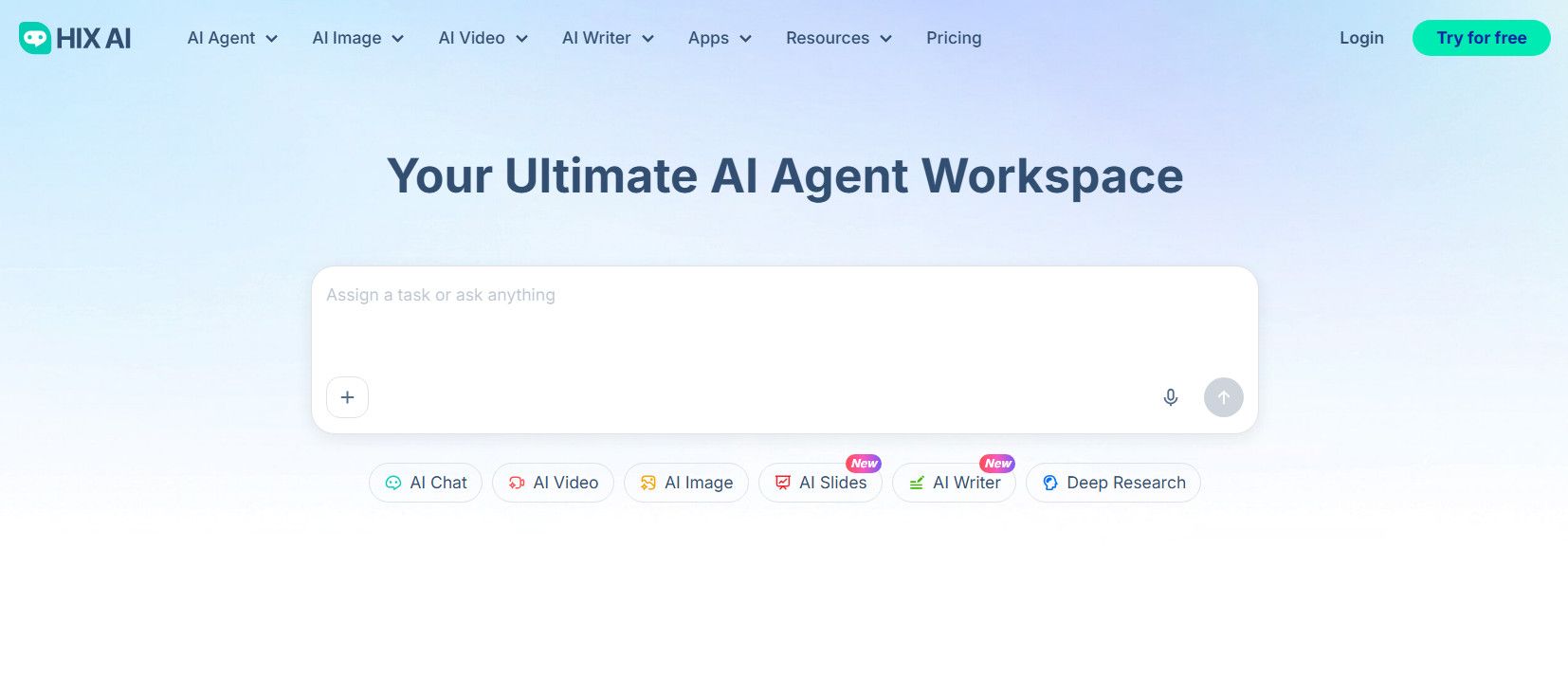
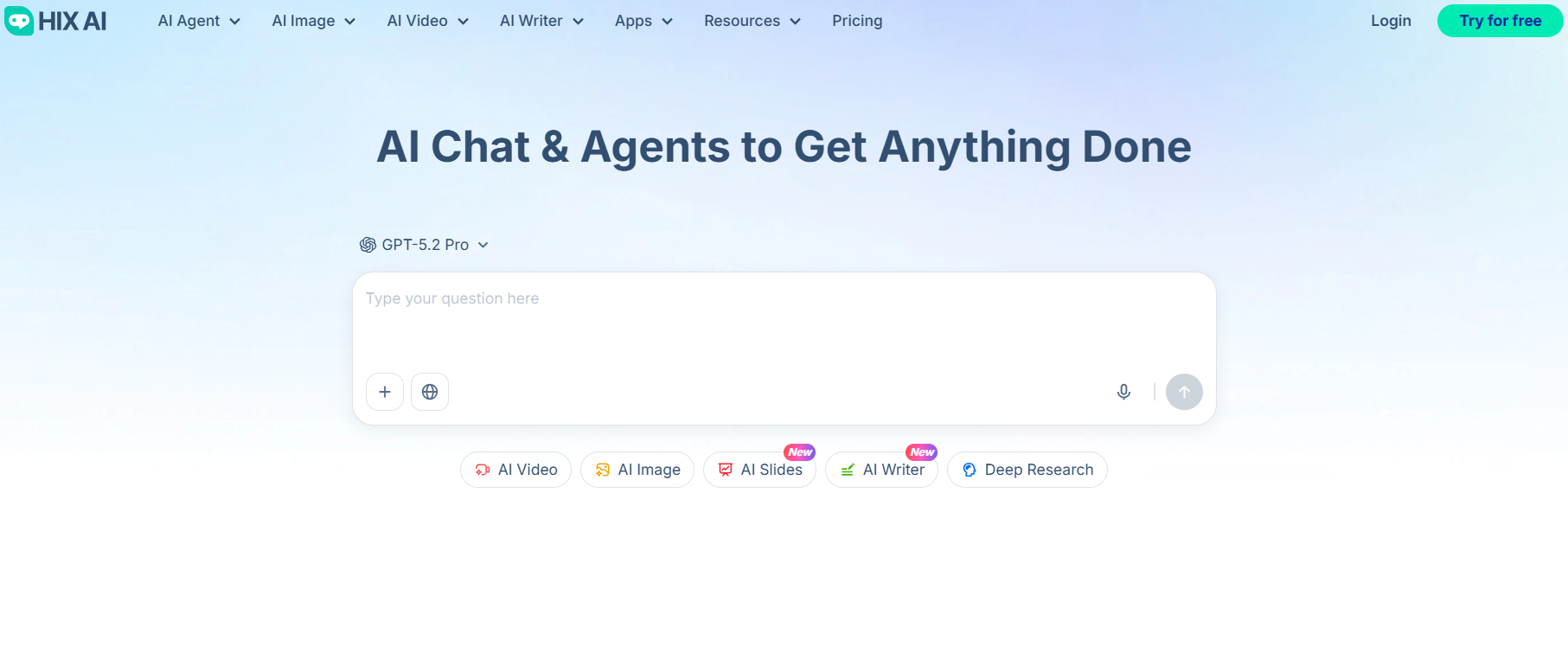
HIX AI stands out by doing something most tools don't: it brings multiple specialized AI subagents together into a single, unified workspace.
Instead of jumping between a writing tool, a research platform, a slide builder, and a coding assistant, HIX AI handles all of it in one place. Think of it as your ultimate AI agent workspace — purpose-built for people who want real results without the app-switching headache.
Under the hood, HIX AI integrates a full suite of subagents covering AI slides, deep research, AI image, AI video, AI writing, and AI coding. It's powered by cutting-edge AI models, and the workflow is refreshingly straightforward: you type in a prompt, optionally upload images, documents, or spreadsheets for context, and HIX AI takes over — automatically planning the steps needed, executing them in sequence, and delivering polished, high-quality output. It handles the thinking so you don't have to.
Whether you're drafting a detailed report, building a presentation, generating visuals, or writing and debugging code, HIX AI scales to the task without requiring you to reconfigure anything. For content creators, business professionals, and researchers alike, it's the easiest first recommendation I can make.
Pros
- All-in-one ultimate AI agent workspace
- Automatically plans and executes multi-step workflows
- Supports various inputs for flexible use
- Powered by cutting-edge AI models
Cons
- May offer more capabilities than strictly necessary for light users
⚡ Easy to Use • 💳 No Credit Card Required • 🌟 4.9/5 Rating
Manus AI: Best AI Agent for Hands-On, End-to-End Task Execution
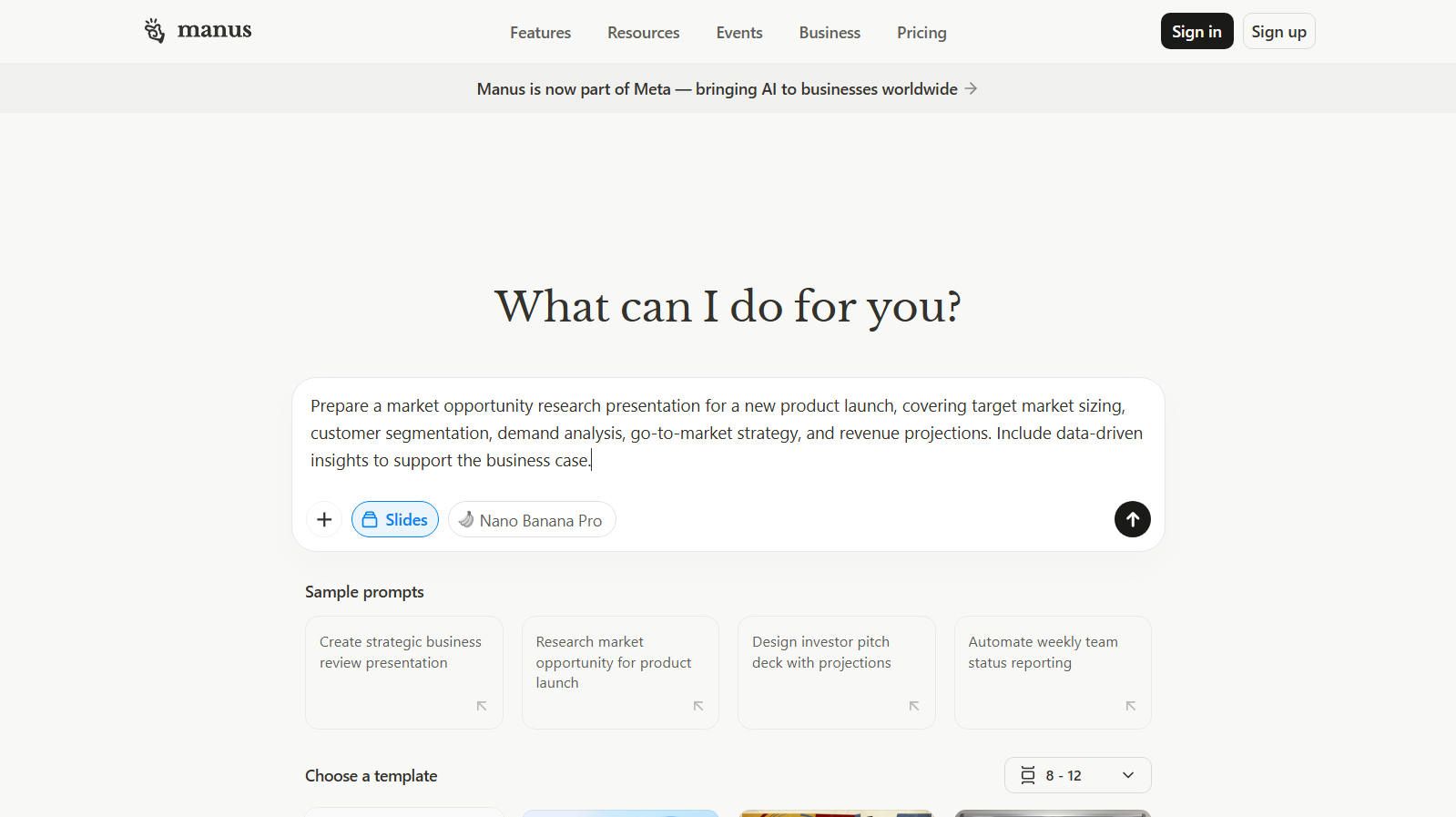
Manus AI can be the AI assistant to help you just hand a task off and walk away. It spins up a cloud-based virtual machine, then browses, codes, runs scripts, and delivers a finished result — no orchestration logic required from you. It can even tap into your local desktop to control apps and files directly.
It genuinely shines for research reports, data analysis, and building small apps or websites from scratch. The "Wide Research" mode dispatches multiple sub-agents in parallel, which is a nice touch for big projects. Pricing starts around $20/month, with a limited free tier to try it out.
That said, it's not perfect. Having desktop access means Manus can see your screen and read local files, which raises real privacy questions. And if you run complex tasks on Manus, your credits can be consumed a lot faster.
Pros
- Truly autonomous, end-to-end task execution
- Strong research, analysis, and app-building capabilities
- Parallel sub-agent "Wide Research" mode
Cons
- Privacy and security concerns with desktop/file access
- Occasional GUI navigation reliability issues
Genspark: Best AI Agent for Seamless Automation
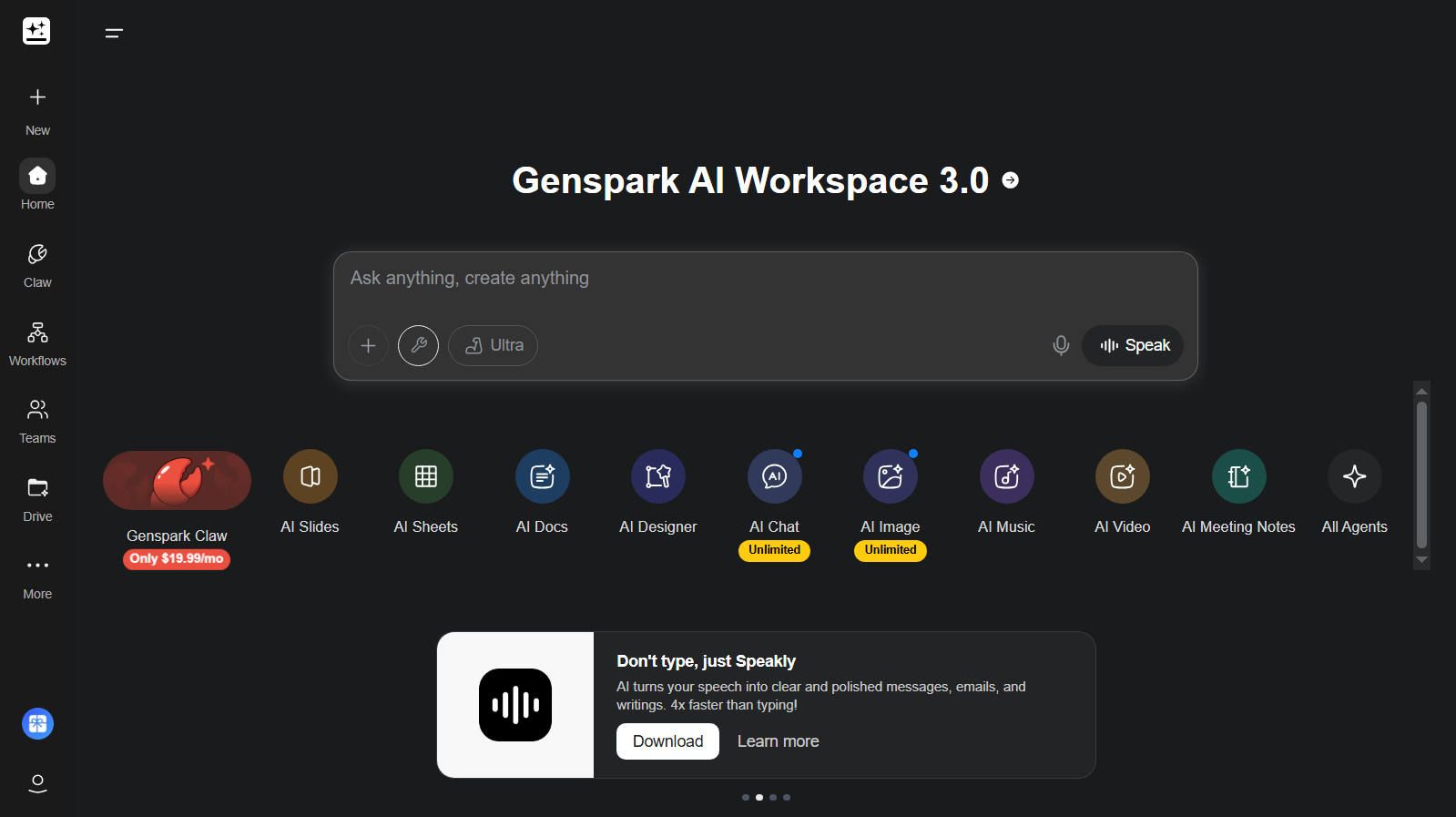
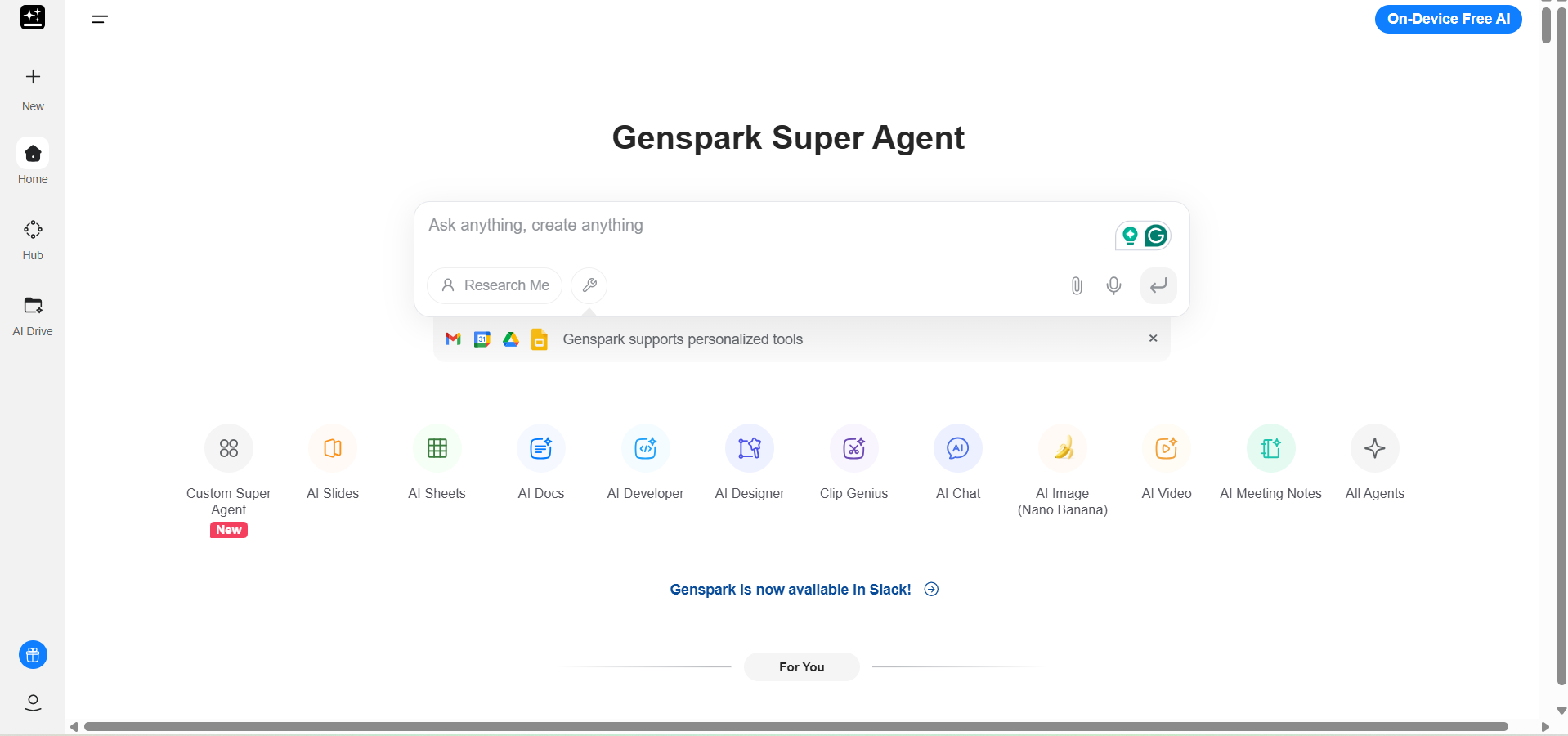
Genspark is an AI agent for turning vague ideas into concrete outcomes. Its Super Agent stands out by orchestrating multiple AI models and tools behind the scenes, handling everything from deep research to real-world tasks without constant oversight.
Genspark has also magical features like Sparkpages, which deliver ad-free, cited summaries from live sources, and AI-driven actions such as making calls or managing files. In daily use, it can streamline your workflow by auto-drafting emails, creating spreadsheets, and even booking appointments.
While powerful, Genspark shines brightest in structured automation rather than purely imaginative tasks. It's evolved rapidly, making it a top pick for productivity pros who need reliability at scale.
Pros
- Autonomous multi-step task handling
- Multi-modal outputs like slides and sheets
- Practical actions (calls, bookings)
- Sleek, integrated interface
Cons
- Limited creativity in open-ended prompts
- Free plan usage limits
- Niche tasks need refinement
Skywork: Best AI Agent for Multimodal Workflows
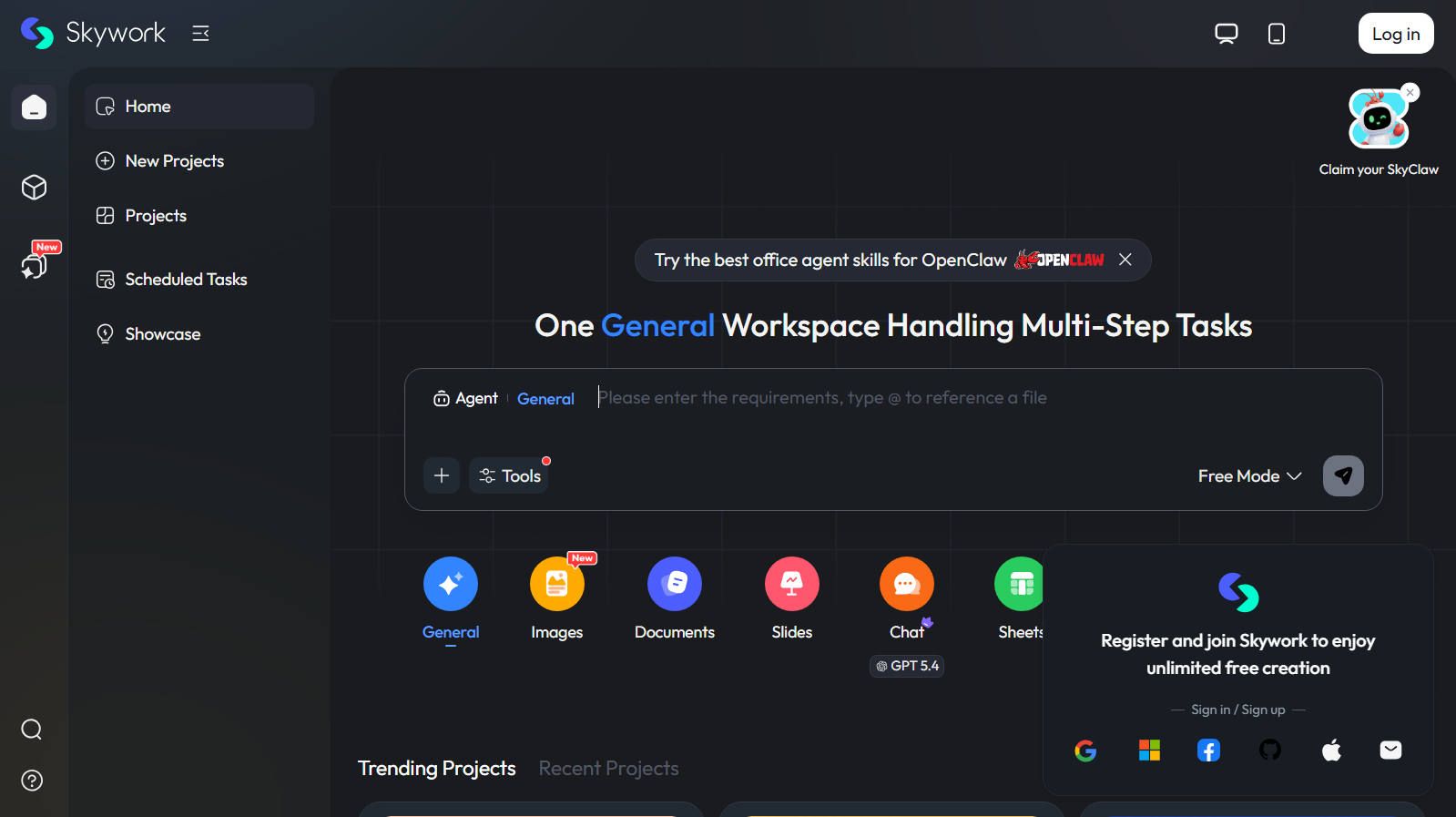
Skywork stands out as one of the most practical AI agents for anyone who juggles research, writing, and content creation across formats. Instead of bouncing between separate tools, it lets you move smoothly from a deep, web‑backed analysis straight into documents, slides, spreadsheets, websites, and even audio, all inside a single workspace.
What impresses me most is how it handles depth and precision. The platform digs into a broad set of sources, then surfaces not just answers but structured outputs such as reports, charts, and presentations. It also offers specialized agents (for Docs, Sheets, Slides, Web, and more), so you can pick the right “expert” instead of relying on a generic chatbot.
Pros
- Unified workspace for research, docs, slides, spreadsheets, websites, and audio
- Strong deep‑research layer with source‑backed, citable content
- Specialized agents tailored to different task types
Cons
- Learning curve due to the variety of agents and modes
- Can feel overwhelming if you only need a simple chatbot
- Some advanced features may require paid tiers or specific workflows
AnyGen: Best AI Agent for Fast Work Output
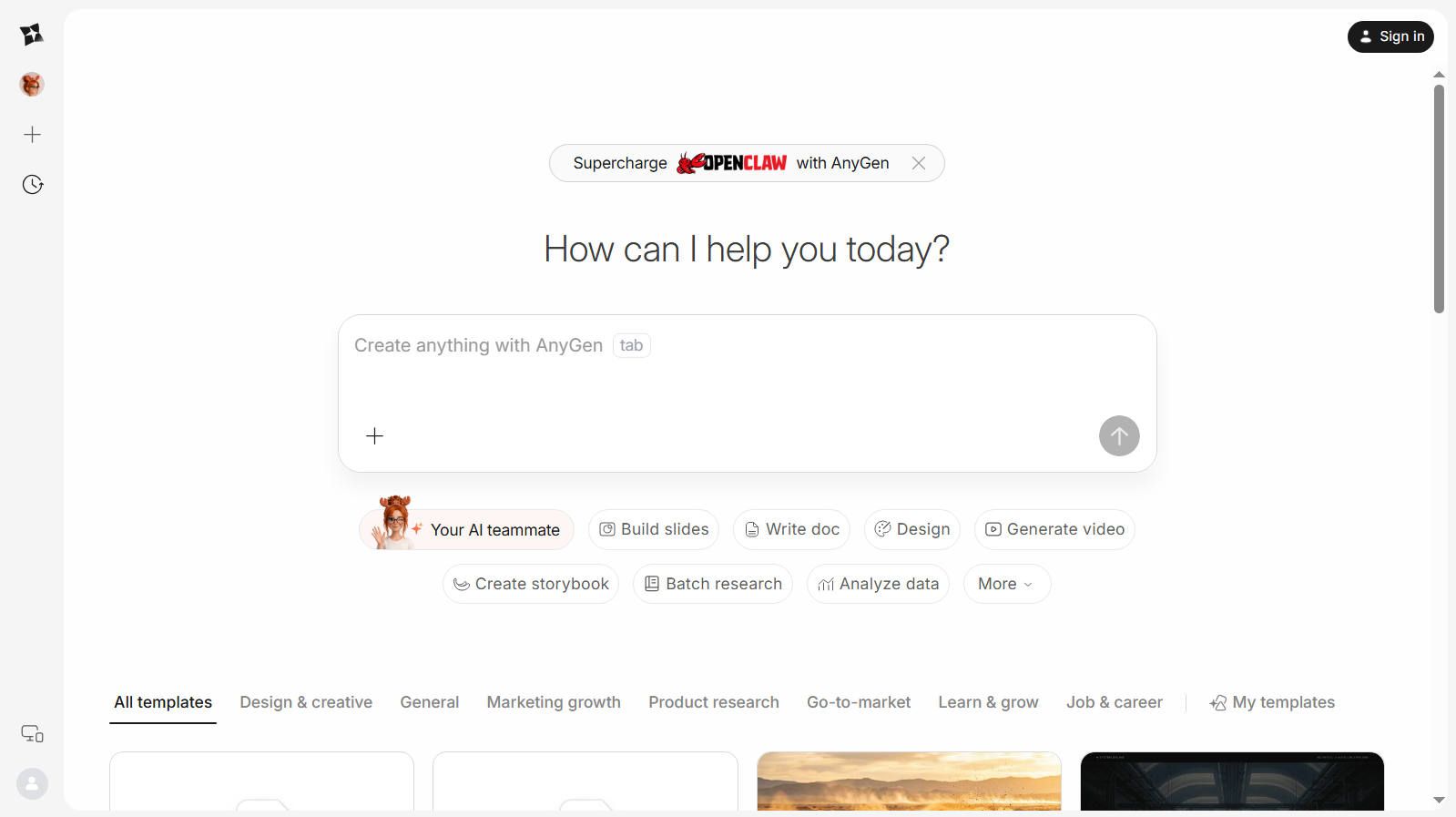
AnyGen feels built for people who want to turn messy ideas into polished deliverables fast. In practice, it works well as a lightweight AI workspace for writing, reporting, slide-making, and data-driven tasks.
What stands out most is how it reduces friction. You can feed it rough inputs, then shape the result into something usable without starting from scratch. That makes it appealing for teams that need speed more than deep customization.
It is especially strong for everyday business work, but it may feel less flexible than a more open-ended AI platform. If you want a focused tool that helps you move from draft to finished asset quickly, it is a solid choice.
Pros
- Fast and easy to use.
- Good for slides, reports, and content creation.
- Helps turn rough ideas into polished outputs.
Cons
- Setup can feel heavyweight for solo users
- May be less customizable than advanced platforms.
- Best for practical work, not highly specialized workflows.
Gemini Agent: Best AI Agent for Google Integration
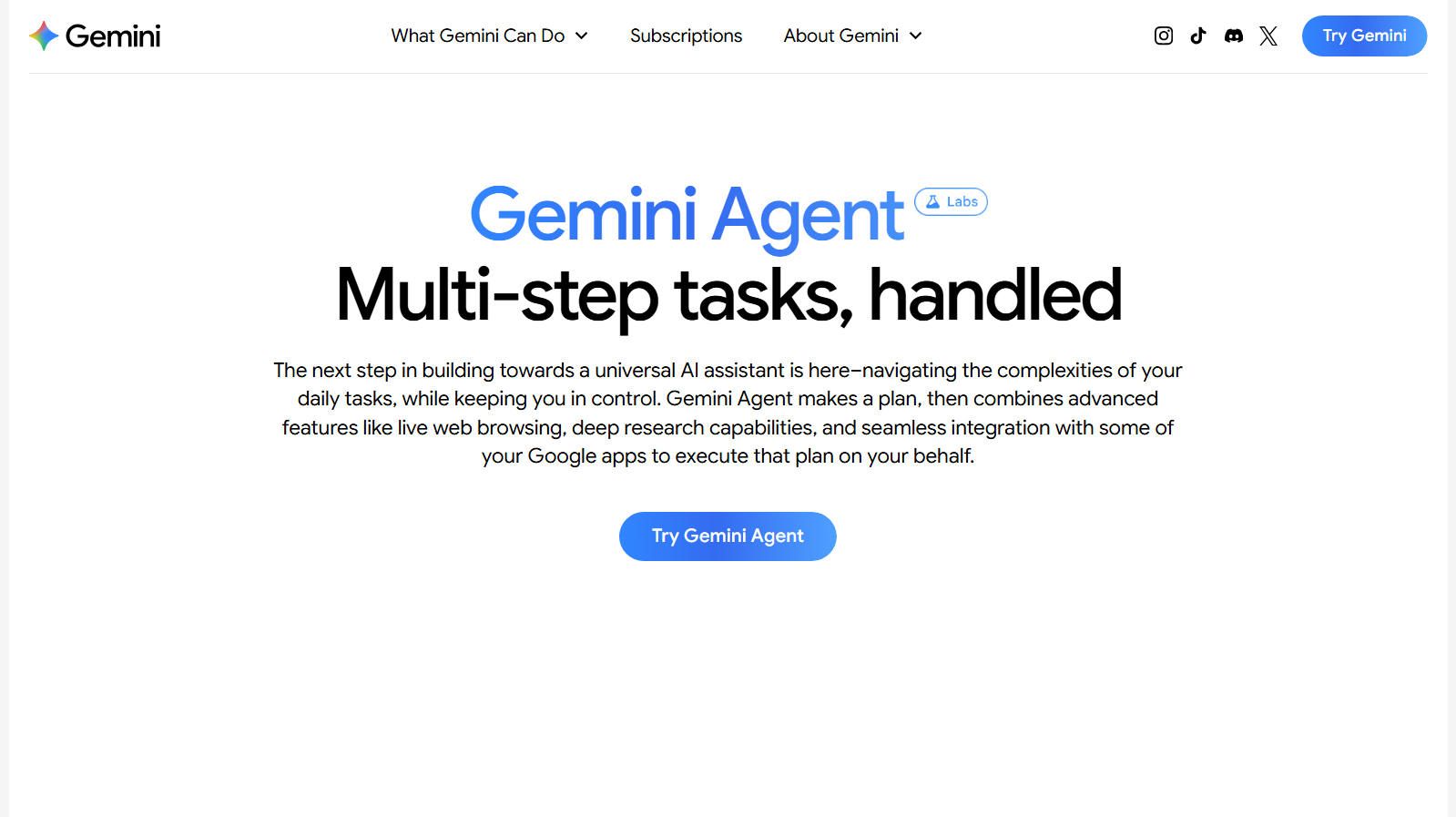
Gemini Agent is Google's ambitious take on what an AI assistant should truly do. Built on Google's most advanced Gemini models, it can take a complex, multi-step task and see it through from start to finish, handling everything from live web research to managing your Gmail and Google Calendar. In my experience, it feels like delegating to a capable assistant who actually follows through.
What sets Gemini Agent apart is how naturally it weaves together Google's ecosystem. Need to compare travel deals, draft a response, and schedule a follow-up meeting? It handles the whole chain.
The user-in-the-loop design also earns trust — before sending an email or confirming a booking, it pauses for your approval, so you never feel like things are running away from you.
Pros
- Executes complex, multi-step tasks end-to-end
- Deep integration with Google Workspace (Gmail, Calendar)
- Live web browsing for real-time research
- Confirmation prompts keep users in control
Cons
- Heavily tied to the Google ecosystem
- Advanced features require enterprise plans
- Can feel overly cautious with frequent approval
ChatGPT Agent: Best AI Agent for Autonomous Task Execution
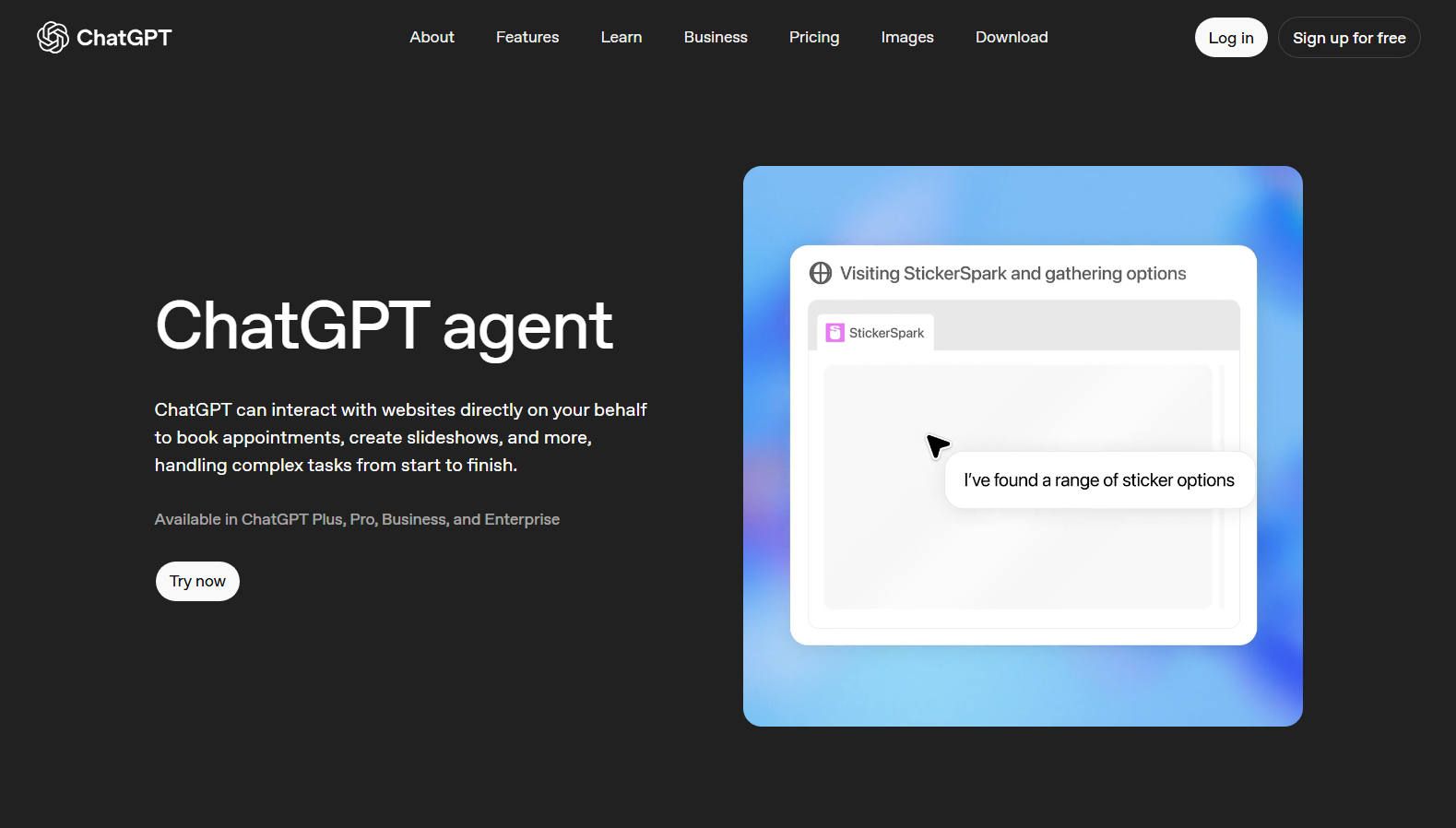
ChatGPT Agent is an "agentic" mode inside ChatGPT that can reason, plan, and then act on the web and in tools to complete multi‑step tasks for you.
Available to ChatGPT Plus, Pro, and Enterprise users, it operates inside a virtual computer environment complete with a fully functional browser — meaning it can navigate websites, click buttons, fill out forms, and interact with pages just like a human would. Handing it a complex task and walking away feels genuinely impressive the first time you try it.
ChatGPT Agent brings many capabilities under one roof. It can browse the web, run code, parse PDFs, edit spreadsheets, and generate reports — all within a single workflow. Its persistent memory across sessions means it learns your preferences over time, making repeated tasks smoother. It also keeps you in control, pausing for logins or sensitive actions and letting you step in whenever needed.
Pros
- Runs complex, multi-step tasks autonomously in the background
- Virtual browser enables human-like web interaction
- Persistent memory improves over repeated use
- Combines browsing, coding, and file work seamlessly
Cons
- Only available on paid plans (Plus, Pro, Enterprise)
- Can be slow on longer, more complex workflows
- Limited third-party integrations compared to some competitors
CrewAI: Best AI Agent for Multi-Agent Collaboration
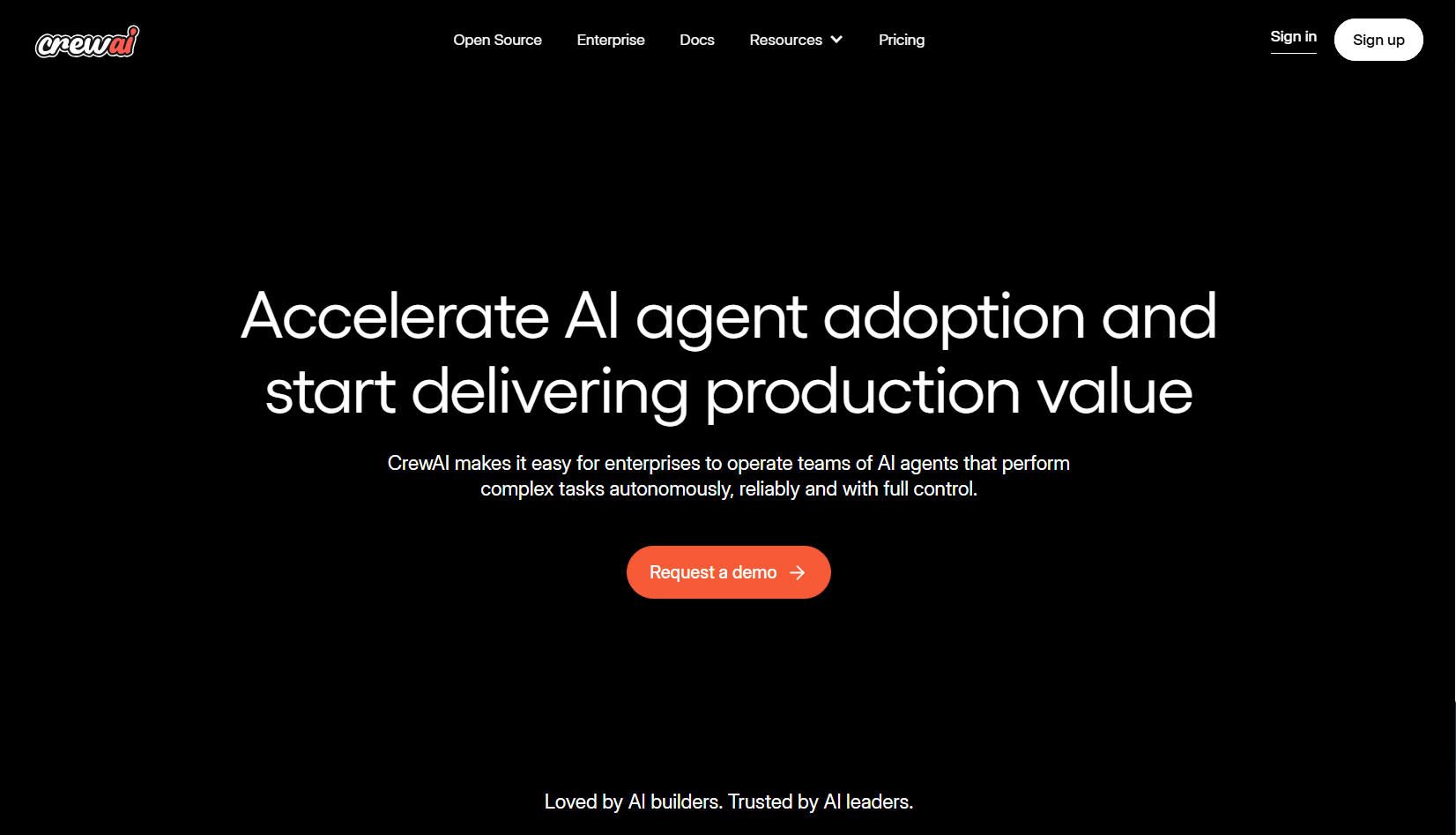
CrewAI is an open-source framework that genuinely changes how developers think about AI automation. Rather than relying on a single agent to handle everything, CrewAI lets you build teams of specialized agents — each with its own role, goal, and toolset — that collaborate to tackle complex tasks together.
What impressed me most is how flexible the workflow design is. You can run agents sequentially, in parallel, or under a manager-led hierarchy depending on what the task demands. Add in memory retention, RAG-powered retrieval, event-driven Flows, and real-time tracing, and you have a framework that handles sophisticated, stateful workflows with surprising reliability.
Pros
- Open-source and highly customizable
- Role-based agents reduce hallucinations and improve accuracy
- Supports sequential, parallel, and hierarchical workflows
- Built-in memory, RAG, and real-time tracing
Cons
- Steeper learning curve for non-developers
- Requires careful agent design to avoid coordination overhead
Zapier AI Agents: Best AI Agent for No-Code Workflow Automation
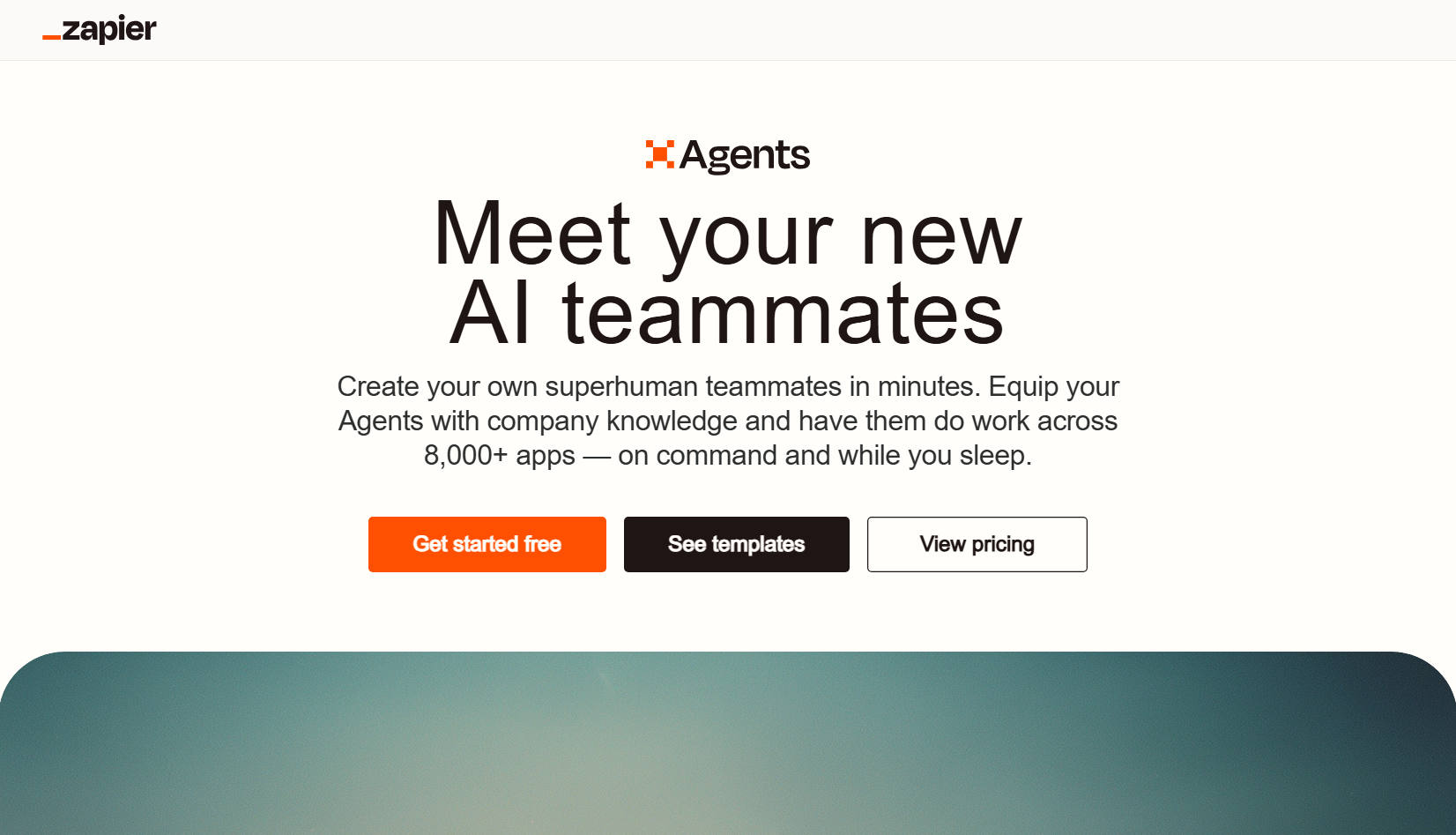
Zapier AI Agents bring a refreshingly accessible approach to AI automation — no coding required. With connections to over 8,000 apps, it slots into virtually any existing tech stack without friction. Setting up an agent to handle incoming leads, draft email replies, or ping your team on Slack feels surprisingly straightforward, even for non-technical users.
What really stands out is the agent-to-agent collaboration feature, where one agent can delegate tasks to others — mimicking how a real team operates. The activity dashboard keeps everything visible, logging runs and flagging anything that needs attention, while version control ensures you never lose track of instruction changes. For businesses wanting automation without engineering overhead, Zapier AI Agents deliver genuine value.
Pros
- No-code setup accessible to non-technical users
- Connects to 8,000+ apps for broad compatibility
- Agent-to-agent delegation mimics real team workflows
- Activity dashboard and version control for easy monitoring
Cons
- Costs can scale quickly with high-volume automation
- Complex logic may still require careful prompt engineering
Relay.app: Best AI Agent for Simple Business Automation
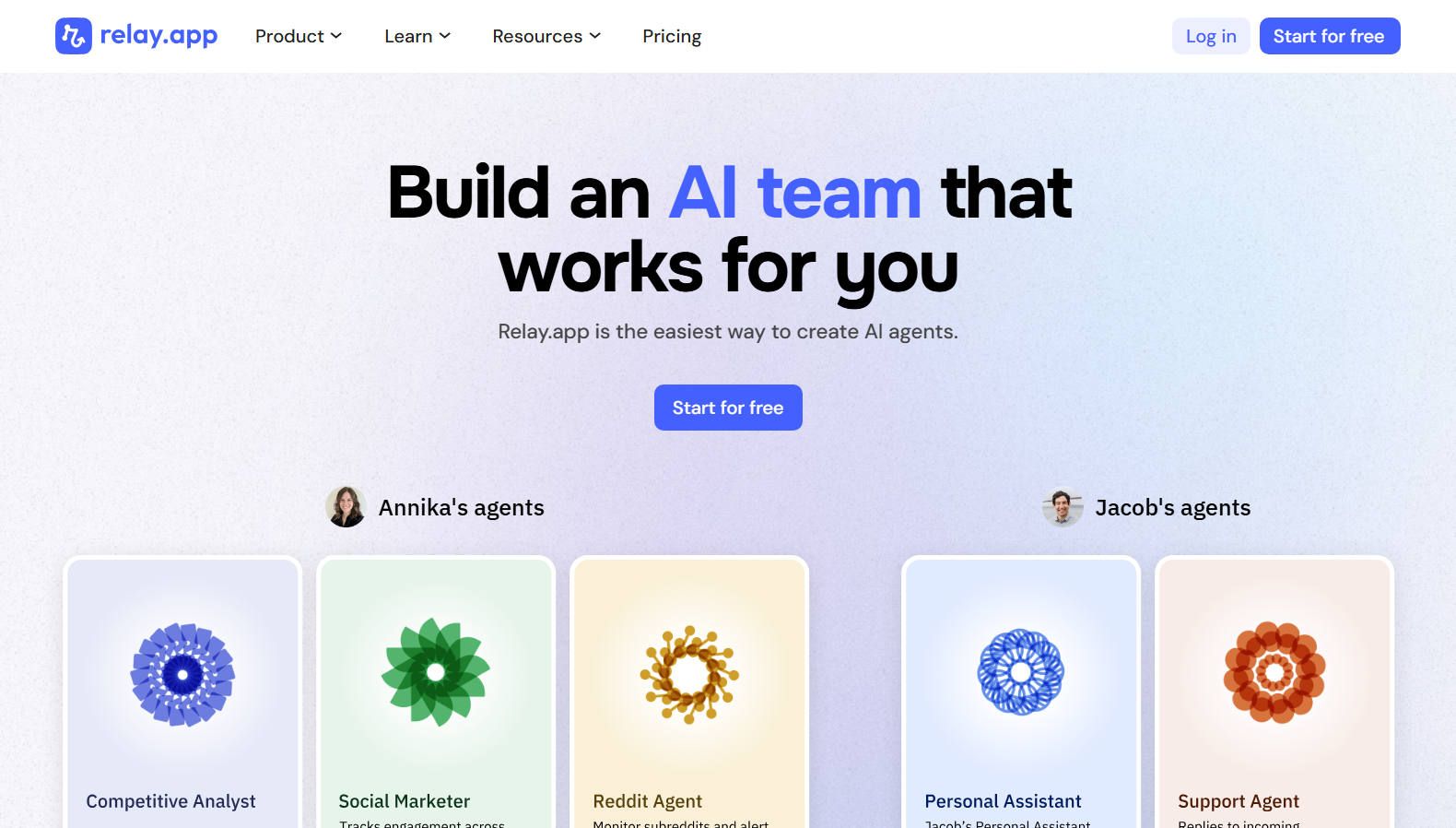
Relay.app strikes an impressive balance between simplicity and power. Its drag-and-drop workflow builder lets you design multi-step automations in plain language, and the platform instantly turns your description into an inspectable, editable workflow. With integrations across 100+ apps — including Gmail, Slack, Notion, HubSpot, and Salesforce — it fits naturally into almost any business operation from day one.
Where Relay.app really shines is in its thoughtful handling of complex logic and human oversight. Its conditional branching lets you route tasks based on priority, customer tier, or form responses, while built-in approval steps pause workflows before high-impact actions like sending emails or processing payments.
In the meantime, the background agents of Relay.app quietly monitor your apps and only surface when human review is genuinely needed. This makes the whole experience feel smooth and trustworthy rather than intrusive.
Pros
- Intuitive no-code builder accessible to non-technical users
- Integrates with 100+ popular business apps
- Smart conditional branching handles complex business logic
- Built-in approval steps keep humans in control
Cons
- Fewer integrations than larger competitors like Zapier
- Advanced AI step customization has a learning curve
Lindy: Best AI Agent for Personal Work Assistance
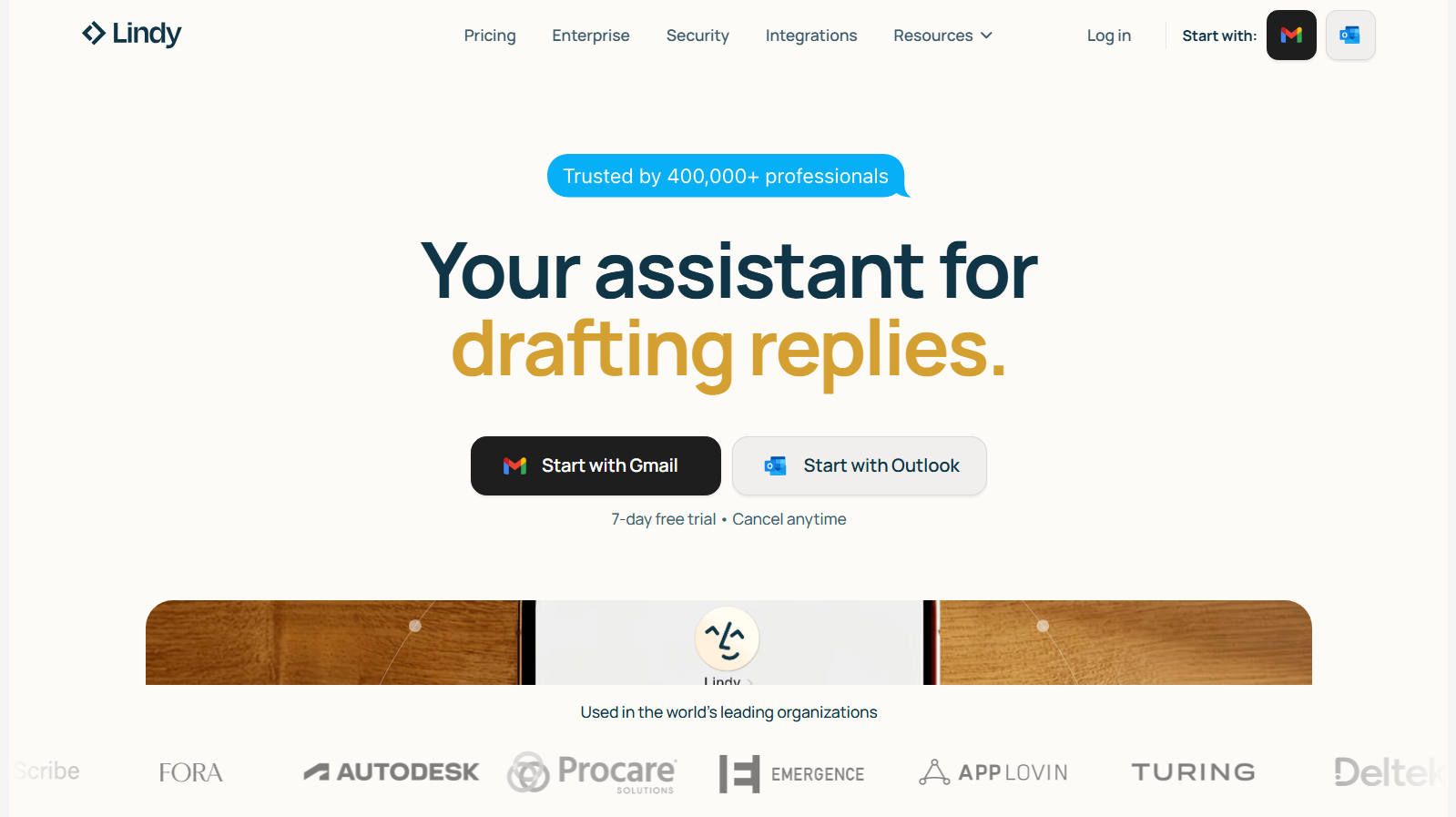
Lindy stands out as one of the most accessible AI agent platforms available today. Instead of drag-and-drop builders or complex configuration screens, you simply describe what you want your agent to do in plain English — and it gets to work.
Whether it's triaging your inbox, updating your CRM, or reaching out to leads, Lindy turns those instructions into reliable automated workflows without requiring a single line of code. For busy teams in sales, HR, or customer support, that kind of simplicity is genuinely refreshing.
Beyond the ease of setup, Lindy's depth is what keeps you coming back. Agents run on autopilot with virtual computer access, meaning they can browse websites, monitor competitors, and update spreadsheets without needing API connections.
Its voice agents handle phone calls across languages, and email agents work toward Inbox Zero by drafting replies that actually sound like you. And with integrations spanning Gmail, Slack, Zoom, Notion, and Salesforce, it slots into existing workflows without disruption.
Pros
- Truly no-code setup using plain English instructions
- Autopilot mode with virtual computer access — no API required
- Voice and email agents save significant time weekly
- Generous free tier covering up to 400 tasks per month
Cons
- Task limits on free and lower-tier plans can feel restrictive
- Less suited for deeply technical or developer-driven workflows
- Advanced customization may require careful prompt refinement
Lovart: Best AI Agent for Creative Design

Lovart is the kind of AI agent that makes you rethink what AI can do in a creative context. Billed as the world's first AI design agent, it doesn't just generate a single image and call it done. Instead, it handles entire creative workflows from initial concept through to polished, production-ready output.
Describe a poster, a branding kit, or a storyboard in plain language, and Lovart gets to work pulling together images, videos, and multimedia assets using top-tier models under the hood.
The three-mode interface is where Lovart really clicks. Talk Mode lets you prompt naturally, Tab Mode gives you a canvas of variations to browse and choose from, and Tune Mode brings Photoshop-level refinement tools for dialing in the details. Its long-term memory helps it learn your brand preferences over time, and the ChatCanvas enables real-time collaboration between you and the agent — sketching, annotating, and iterating together feels surprisingly fluid.
Pros
- End-to-end creative workflow from concept to final output
- Intuitive three-mode interface suits all skill levels
- Multi-agent collaboration ensures brand consistency
- Long-term memory adapts to your design preferences
Cons
- Primarily focused on design — less versatile for other task types
- Output quality depends heavily on prompt clarity
- Still a relatively new platform
FAQs
What exactly is an AI agent?
An AI agent is an AI tool that can autonomously perform tasks on your behalf — browsing the web, writing content, executing code, managing files, or interacting with other tools — all based on a goal or instruction you provide. Unlike a basic chatbot that simply responds to questions, an AI agent plans, takes action, and adapts until the job is done.
Read more: What is an AI agent
How are AI agents different from AI chatbots like ChatGPT?
ChatGPT and similar conversational AI bots are designed for back-and-forth dialogue. AI agents go a step further: they can chain together multiple steps, use external tools and APIs, and operate with minimal human intervention.
I'm not a developer. Are any of these agents still useful for me?
Yes! Some of the tools on this list — including HIX AI, ChatGPT Agent, Gemini Agent, Genspark AI, and Zapier AI Agents — are designed with everyday users in mind. You don't need to write a single line of code to use them productively.
Which AI agent is the best starting point for someone completely new to this space?
For most people, HIX AI is the most accessible entry point. HIX AI offers an ultimate AI agent workspace — covering research, writing, slides, images, video, and code in one place — making it especially useful to handle multi-step complex tasks.
⚡ Easy to Use • 💳 No Credit Card Required • 🌟 4.9/5 Rating