



Midjourney AI Video Generator
Midjourney AI video model is a video generation AI launched by Midjourney that allows users to create short videos from images. Its first version, Version 1 or V1, was released in June 2025.
Key Features of Midjourney AI Video Model
- High-quality video outputs : Natural, fluid video content
- Flexible movement control : Free video element motion customization
- Adaptive motion settings : Two motion modes – Low Motion and High Motion
High-Quality Video Outputs
Midjourney can animate your images and generate high-quality video clips with 5 seconds in length. It intelligently analyzes and produces video outputs with natural, fluid movement that brings static visuals to life in an organic way.
| Input | Output Video |
 Prompt: A giant dinosaur with a banana-shaped body, yellow with black spots. It has a red head, no tail, brown feet, and gray claws. An 8-year-old Asian boy is sitting on the dinosaur and playing with it. The whole scene is in the style of an illustration. |
|
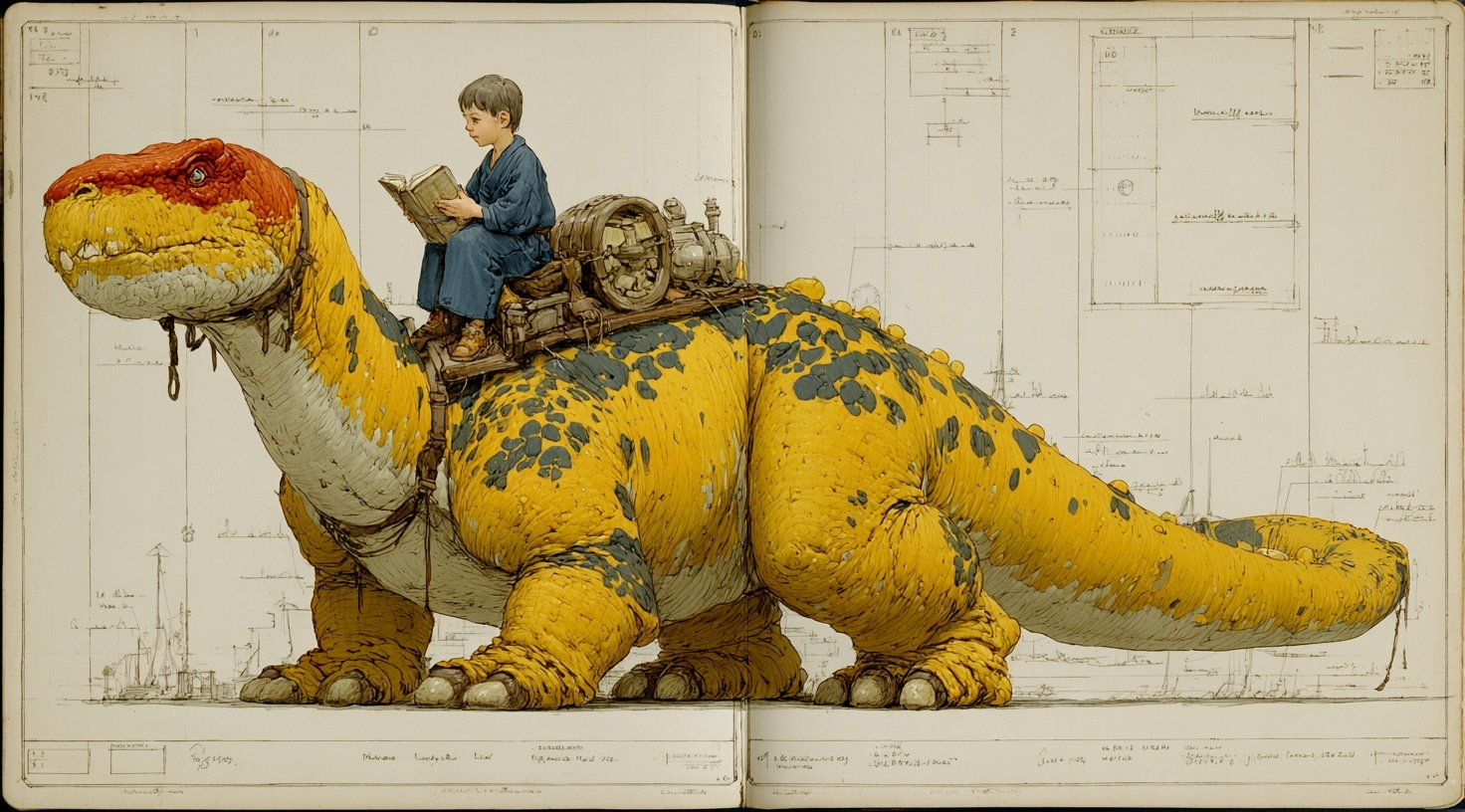 Prompt: A giant dinosaur with a banana-shaped body, yellow with black spots. It has a red head, no tail, brown feet, and gray claws. An 8-year-old Asian boy is sitting on the dinosaur and playing with it. The whole scene is in the style of an illustration. |
|
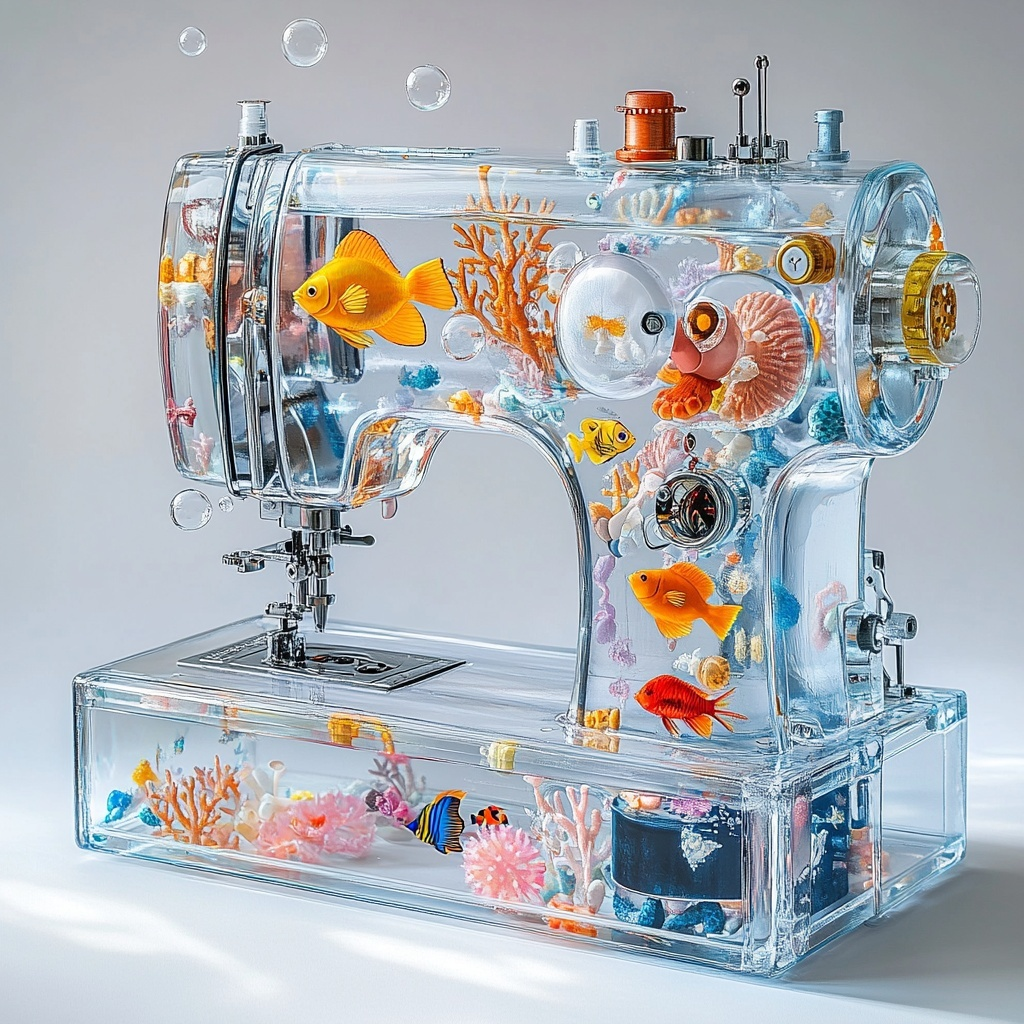 Prompt: a clear acrylic sewing machine filled with tropical fish, like a whimsical aquarium, colorful coral and bubbles inside, bright daylight, white background, clean and vibrant aesthetic, soft shadows, high detail, hyper-realistic yet playful, pastel accents, no text. tropical fish gently swimming around coral INSIDE a clear sewing machine body, slow rising bubbles, slight water ripples |
Flexible Movement Control
Midjourney allows free motion customization for users seeking deeper creative input. You can manually describe in text exactly how you want elements of the image to move, controlling the speed, direction, and style of animation.
| Input | Output Video |
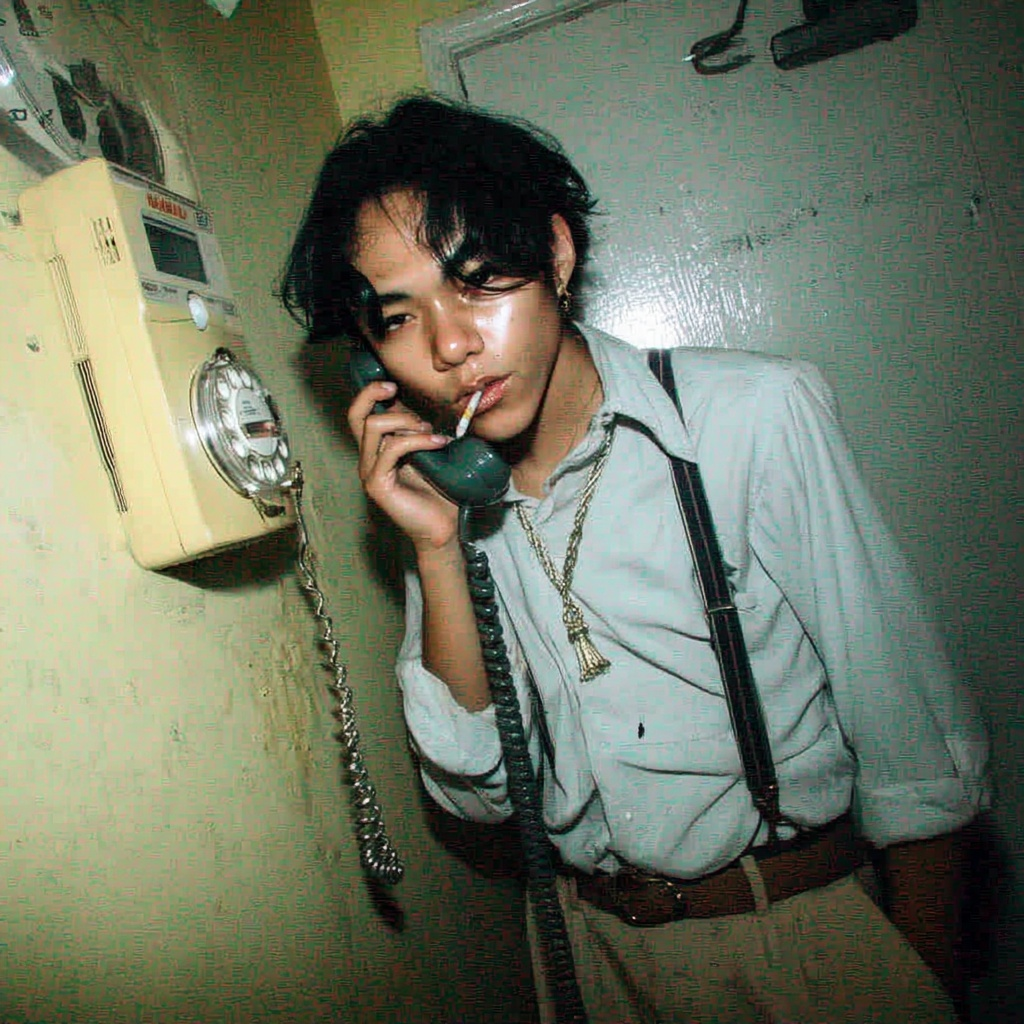 Prompt: A young Asian man with sharp features and slightly messy black hair, standing near a pale yellow wall-mounted rotary phone, mid-conversation with the receiver in hand. He wears a loose baby blue button-up shirt with rolled-up sleeves, tucked into beige wide-leg trousers held by navy suspenders. A cigarette dangles from his lips, unlit. Behind lui, a wall clock stuck at 3:12 and a warped vintage mirror create a subtly surreal vibe. Skin texture is clearly visible, with light shine on his cheekbones, natural pores, and dust particles catching the flash. Captured with a Fujifilm camera and a 35mm lens, frontal angle, film grain, dust. Mood is surreal and nostalgic. Shot with hard direct flash light on disposable Fujifilm camera. |
|
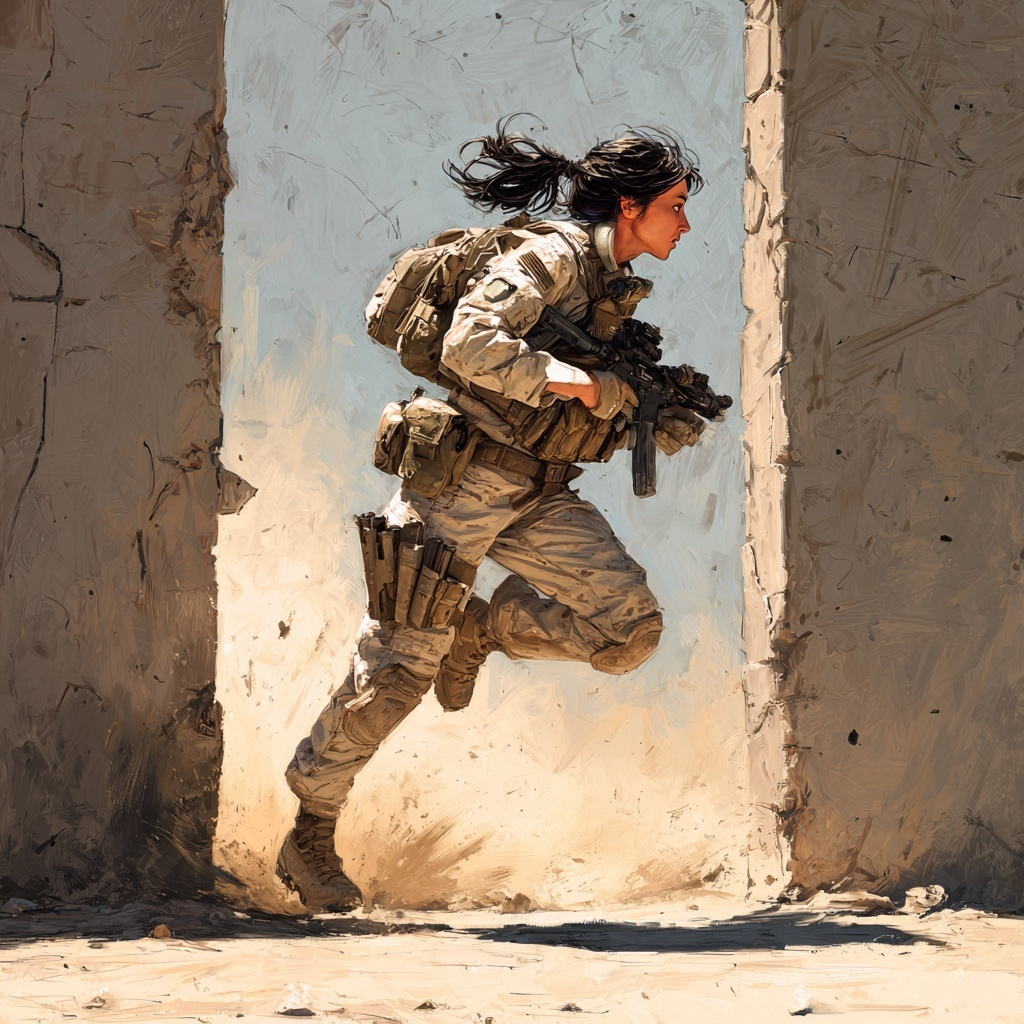 Prompt: A girl in military gear running to take cover from enemy fire, she is booking it for the nearest thick concrete wall. |
|
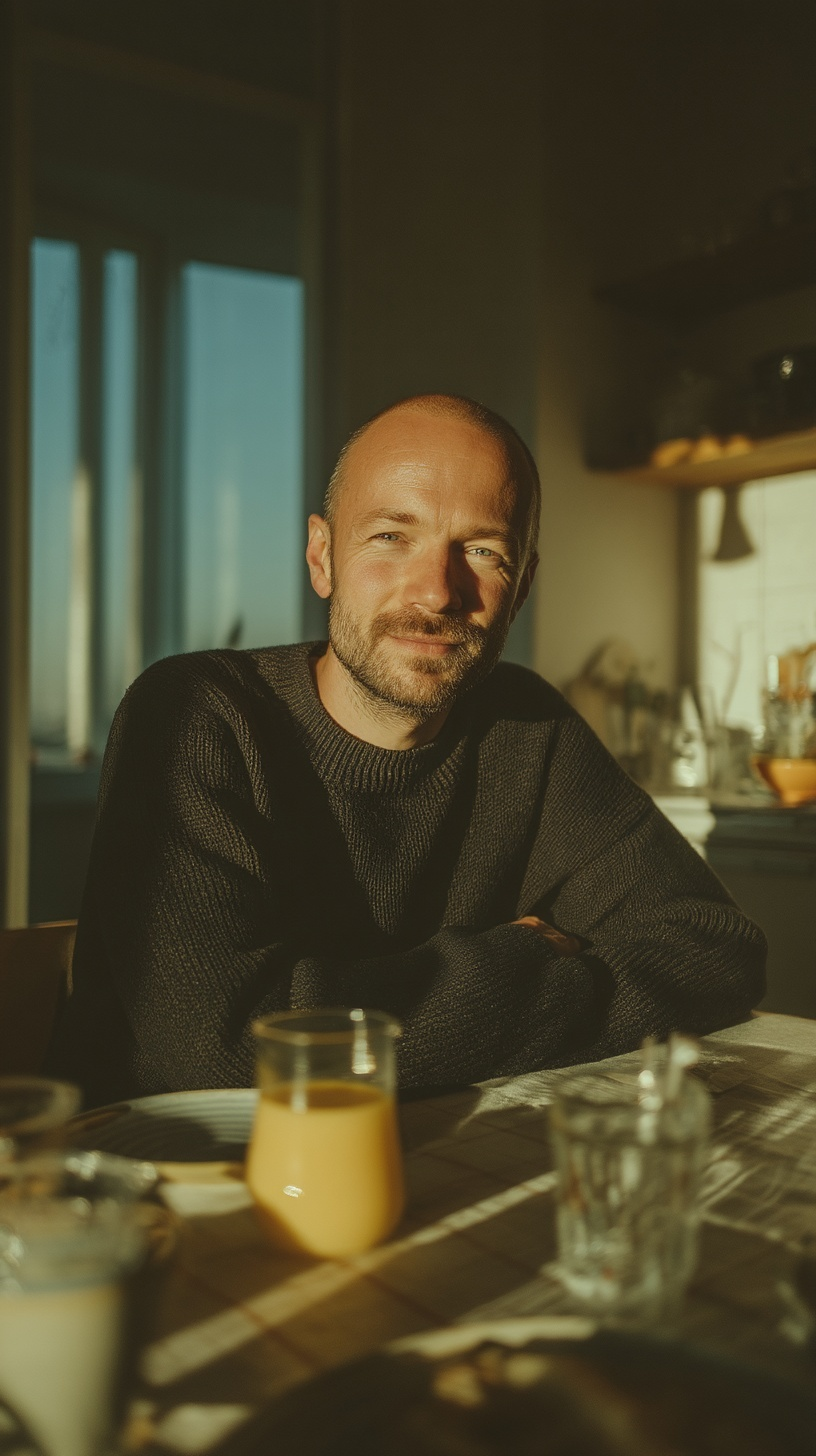 Prompt: He's making one small yes gesture at the camera. Keeping eye contact. Almost no movement. No camera movement. Only head moves. |
Adaptive Motion Settings
Midjourney provides two main motion modes—Low Motion and High Motion.
Low Motion produces subtle, smooth, calm animations well-suited to tranquil or atmospheric scenes, maintaining consistency and avoiding distortion. High Motion injects more energy and activity into the animation, suitable for action-packed or chaotic sequences, though it may produce some warping or visual artifacts at times.
| High Motion | Low Motion |
Video Model Comparison: Midjourney vs Wan AI vs Stable Video Diffusion
These video models cater to creators seeking everything from stylized clips to professional-grade footage, though each excels in distinct niches.
| Aspect | Midjourney V1 | Wan AI | Stable Video Diffusion |
| Video Quality | ★★★★☆ | ★★★★★ | ★★★★☆ |
| Max Resolution | Up to 720p | 720p-1080p | 576x1024 |
| Video Customization | ★★★☆☆ Limited controls | ★★★★★ LoRA personalization | ★★★★☆ Open-source fine-tuning; steep learning curve |
| Ease of Use | ★★★★★ Discord/web interface; beginner-friendly | ★★★★☆ | ★★★☆☆ Requires setup (e.g., ComfyUI); community-driven |
| Accessibility | No open-source | Free open-source | Free open-source |
| Strengths | Seamless for Midjourney image users; affordable creativity | Versatile for pros; beats Sora in motion benchmarks | Highly modifiable; ideal for research/VFX integration |
| Limitations | Short clips, no audio | GPU-heavy for full res; occasional static camera | Shorter base lengths |
How to Try Midjourney Video Model on HIX AI
Upload Your Image
Upload the image and enter your text prompt for your video generation.
Get the Output
Start the generation and wait for a few minutes to get the final result.
YouTube Videos About Midjourney Video Generator
Reddit Discussions About Midjourney Video Generator
X Posts About Midjourney Video Generator
— Cipher (@CipherVoss) June 20, 2025
This is wild.
— Min Choi (@minchoi) July 1, 2025
Midjourney Video V1 can generate YouTube and TikTok influencer videos.
These are not real 🤯
10 wild examples + prompts:
1. Product review vlog pic.twitter.com/Gn1R8fW7tB
Midjourney V1 Video Generation Tool Just Rewrote Animation with ‘Wall‑E Holding a Gun’ at the Cost of a Lawsuithttps://t.co/6iRO6U2mYY#thesiliconreview #latestnews #MidjourneyV1 #VideoGeneration #AnimationRevolution #WallE #DigitalArt #AIAnimation pic.twitter.com/uPBrOMvJ22
— The Silicon Review (@Dsiliconreview) July 1, 2025
Midjourney Video V1 + Style Reference V7
— Morph (@Morph_VGart) July 29, 2025
I found a hand-painted, watercolor-and-ink picture book style.
--sref 2485202741 pic.twitter.com/49F1RkqFtT
Here's my first Midjourney video output. A new era in creative video making. I can't wait to see how they develop this. pic.twitter.com/FkmvueHN3u
— fofr (@fofrAI) June 18, 2025
Trying out midjourney video - created this 5 sec video based off of one image pic.twitter.com/2W8a1MpuZ2
— Sushaantu (@Su) June 20, 2025
My goodness Midjourney video is amazing 😍.
— DANN© (@DannPetty) June 18, 2025
(The prompt used is in the replies!) pic.twitter.com/MK9g5BULB4
Midjourney Video is finally here, and it's very very good
— Nick St. Pierre (@nickfloats) June 18, 2025
Initial observations:
- Image to video conversion only for now
- Four 24fps generations at 480p per job
- Works with any aspect ratio image
Two motion settings available:
- Motion Low: More ambient movement
- Motion… pic.twitter.com/GcOnJf9PGo
Testing the midjourney video vibes with some old images. pic.twitter.com/U0AdNT7vpk
— Archireum (@archi_reum) June 20, 2025
I should probably start uploading images again, but the video generator from Midjourney is just so much fun to use 👹 pic.twitter.com/J7hJWXmQ0x
— Timeless (@Timeless_aiart) June 22, 2025
Experimenting with Midjourney video. pic.twitter.com/rmWXmL6uJs
— Nivi (@nivi) June 22, 2025
🎥 MIDJOURNEY VIDEO IS HERE 🚀
— Henry Daubrez 🌸💀 (@henrydaubrez) June 18, 2025
And yes, I tested it. (a thread)
Today, @Midjourney released its first Image-to-Video feature, allowing anyone to bring their stills to life in short 4 to 5 second clips. You can upload your own image or start from a Midjourney generation, then… pic.twitter.com/C4iTRuf85m
FAQs
Is Midjourney an AI image or video generator?
Midjourney offers both image and video generation models. It released the first version of its video generator in June, 2025 If you're interested in or want to try the Midjourney image generator,take a look at our Midjourney image page.
What is the maximum length of a Midjourney video?
An initial video generated by Midjourney is typically a 5-second clip. You can extend the animation up to about 21 seconds by using the 'Extend' feature, which adds approximately 4 seconds per extension, up to four times.
Can I use my own images to create videos?
Yes. You can animate images generated in Midjourney or upload your own external images as the starting frame for video animation. This allows you to turn your photography, artwork, or other visuals into dynamic videos.
Is Midjourney video generator free?
No, it's not free to generate videos on Midjourney. You need to subscribe to one of its paid plans, starting at $10/mo, to get access to its generation features.
How can I access the Midjourney video generator?
You can generate videos with Midjourney on their official website (midjourney.com). But if you're looking for a smoother, more user-friendly way to get access to this model, we suggest you try HIX AI's AI video generator.