



Kling AI has emerged as a powerhouse, enabling all of us to craft stunning, hyper-realistic video clips from simple text prompts or images.
However, as a free-tier user, I have hit a frustrating snag: that big, unavoidable Kling AI watermark plastered right on my exported videos. It really takes away from that professional vibe and makes it tricky for any commercial projects I might want to tackle.
In this piece, I am sharing some practical methods to remove Kling AI watermark—whether by upgrading to a paid plan, or using some smart, handy tools to clean up my footage in post-processing. Let’s move on and unlock your videos’ full potential.
Table of Contents
How to Remove Watermark Within Kling AI
The most straightforward and officially supported way to eliminate the Kling AI watermark is by upgrading from the free plan to a paid subscription.
To get started, log in to Kling AI official website. From the dashboard, click the “Subscribe” button in the lower-left corner to review all the options, then click “Subscribe” on your preferred tier. Once subscribed, all of your future downloads will be watermark-free by default in paid mode, streamlining your project workflow without extra hassle.
More Free Video Watermark Removers to Try
If subscribing isn’t an option, several free online video watermark removers can help remove watermarks from your Kling AI videos without sign-ups.
WatermarkRemover.io
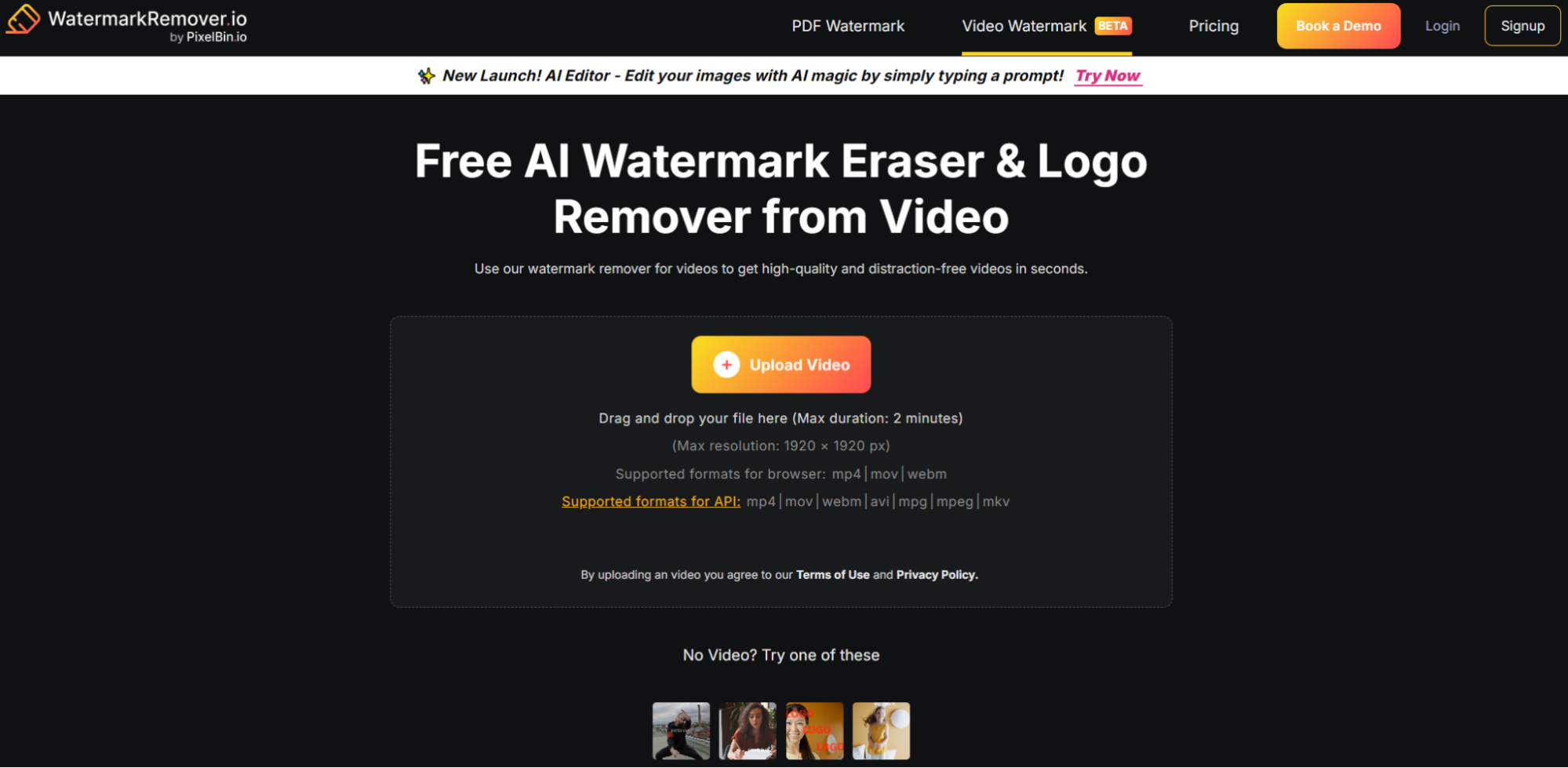
There is no learning curve to use this tool. Just upload your original videos or drag and drop files into the editor for instant video watermark removal, as WatermarkRemover.io's user-friendly interface supports a variety of formats.
Magic Eraser
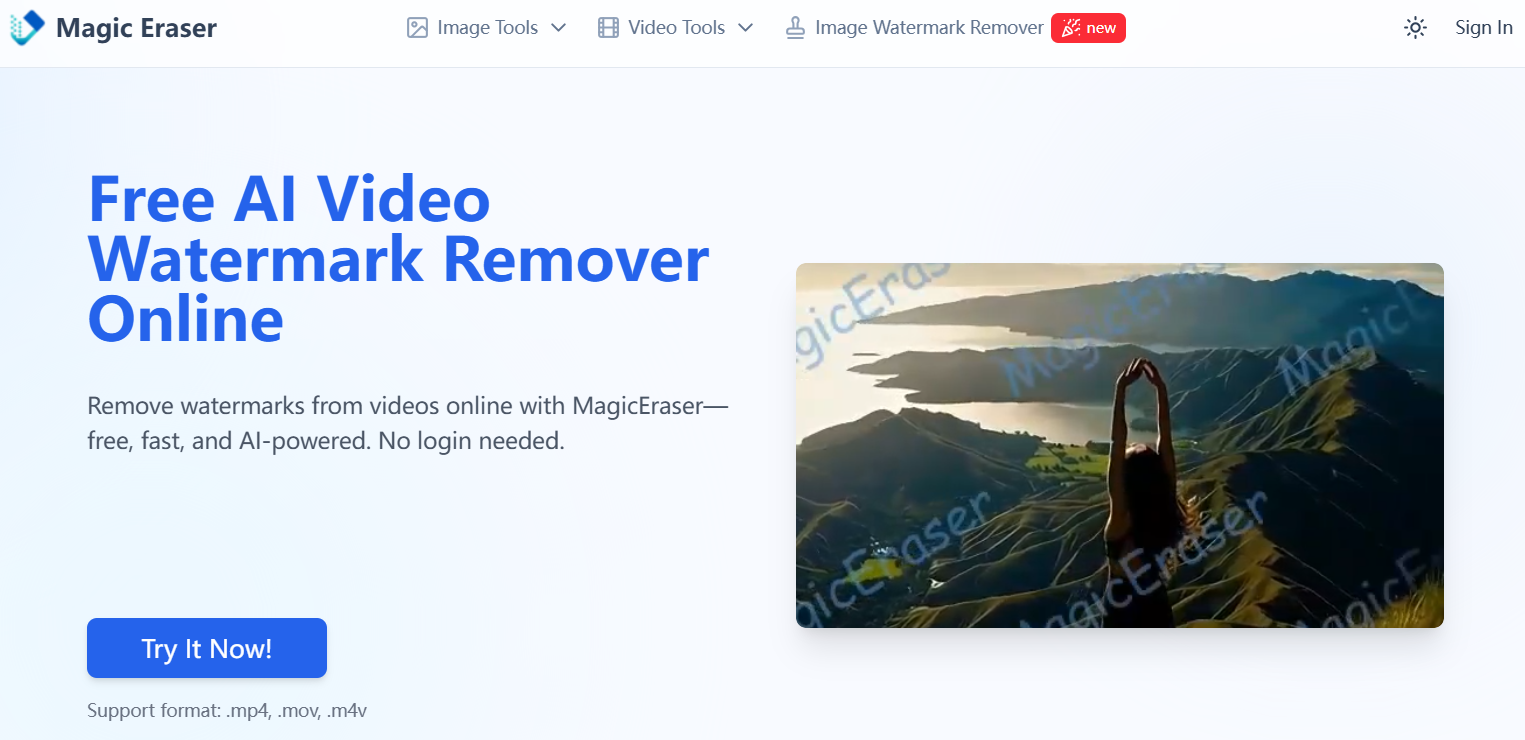
Simply upload your videos, and Magic Eraser will remove watermarks in seconds. Magic Eraser seamlessly removes watermarks from your original clips with AI technology, keeping the quality intact.
Online Video Cutter
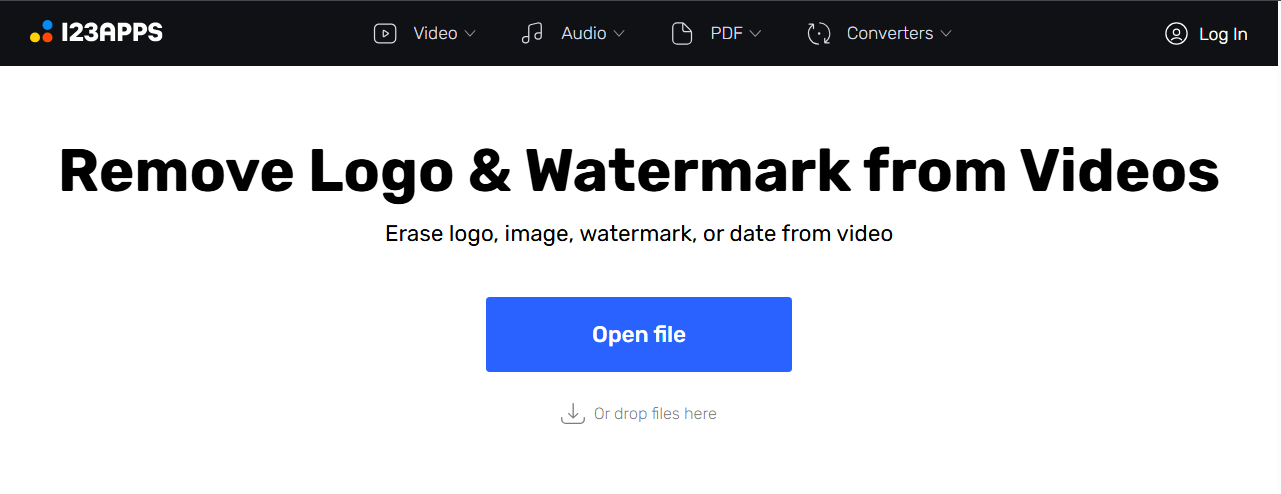
With Online Video Cutter, removing watermark is very easy: you just need to upload your video to this online tool and in just a couple of clicks you can remove watermarks, blur logos, dates, and anything that seems superfluous or unnecessary. The user interface is intuitive and you can easily apply it to your workflow.
How to Use These Tools in General
Upload Video: Click to upload your file or drag the video onto the platform.
Select Watermark Area: Use the selection tool to highlight the watermark or unwanted object.
Remove the Watermark: Let the tool automatically remove the watermark and restore your video.
Preview and Download: Instantly preview and download your ultimate watermark-free video.
Notes When Using Free Video Watermark Removers
Check File Size and Format Limits
Some free tools cap uploads or specific formats. Compress large files or convert formats beforehand to avoid errors.
Test on Short Clips First
AI inpainting may struggle with complex backgrounds. Process a brief segment to verify quality before committing to longer videos, ensuring seamless watermark removal.
Respect Copyright and Terms
Removing watermarks for commercial use may violate Kling AI’s terms or copyright laws. Use these free tools ethically, ideally for personal projects or with permission.
Why Are Watermarks Added to Videos Generated by Kling AI
Kling AI embeds watermarks in videos created under its free plan to balance accessibility with brand protection and user incentives. Below are key reasons Kling AI includes watermarks in its video outputs.
-
Brand Identification and Promotion
Watermarks prominently display the Kling AI logo, reinforcing brand recognition and signaling that the video was created using their advanced AI model, encouraging others to explore the platform.
-
Encouraging Paid Subscriptions
By adding watermarks to free-tier videos, Kling AI incentivizes users to upgrade to paid plans (like Standard, Pro, or Premier), which offer watermark-free exports alongside enhanced features such as professional mode and video extension.
-
Protecting Intellectual Property
Watermarks help deter unauthorized commercial use of AI videos, ensuring compliance with Kling AI’s terms of service and safeguarding the platform’s proprietary technology.
-
Distinguishing Free and Premium Outputs
The watermark differentiates free-tier outputs from premium ones, maintaining a clear value proposition for paid users who receive clean, professional-grade videos suitable for broader applications.
Conclusion
Removing the Kling AI watermark is achievable through legitimate methods like subscribing to a paid plan or using free online video watermark remover. Each approach offers unique benefits.
By understanding why watermarks are added, you can choose the best method for your needs while respecting ethical boundaries.