
Canva is an accessible image editor for beginners, and offers a wide range of ready-made templates for everyday design needs. At the same time, it may not be good enough when your workflows involve AI-generated visuals, brand-specific customization, or more specialized design outputs. That's where exploring the best Canva alternatives becomes valuable.
After personally trying out multiple tools for social posts, presentations, and visual assets, I've found the top Canva alternatives excel in areas where Canva isn’t always the primary focus.
In this guide, I bring you the top ten websites like Canva that will uplift your creative game and help you generate professional-grade results.
| Product | Rating | Best For |
|---|---|---|
| HIX AI Image Generator | ⭐⭐⭐⭐⭐ | AI Image Creation & Editing |
| Adobe Express | ⭐⭐⭐⭐⭐ | Branded Content Creation |
| Lovart | ⭐⭐⭐⭐ | AI Designs & Illustrations |
| Fotor | ⭐⭐⭐⭐ | Quick Graphic Design |
| Pixlr | ⭐⭐⭐⭐ | Quick Image Editing |
| Snappa | ⭐⭐⭐⭐ | Fast Marketing Graphics Making |
| Visme | ⭐⭐⭐ | Infographics & Presentations Making |
| Desygner | ⭐⭐⭐ | Professional Marketing Graphics Making |
| Stencil | ⭐⭐⭐ | Social Media Graphics Making |
| BeFunky | ⭐⭐⭐ | Easy Photo Editing & Collage Making |
HIX AI Image Generator: Best Canva Alternative for AI Image Creation
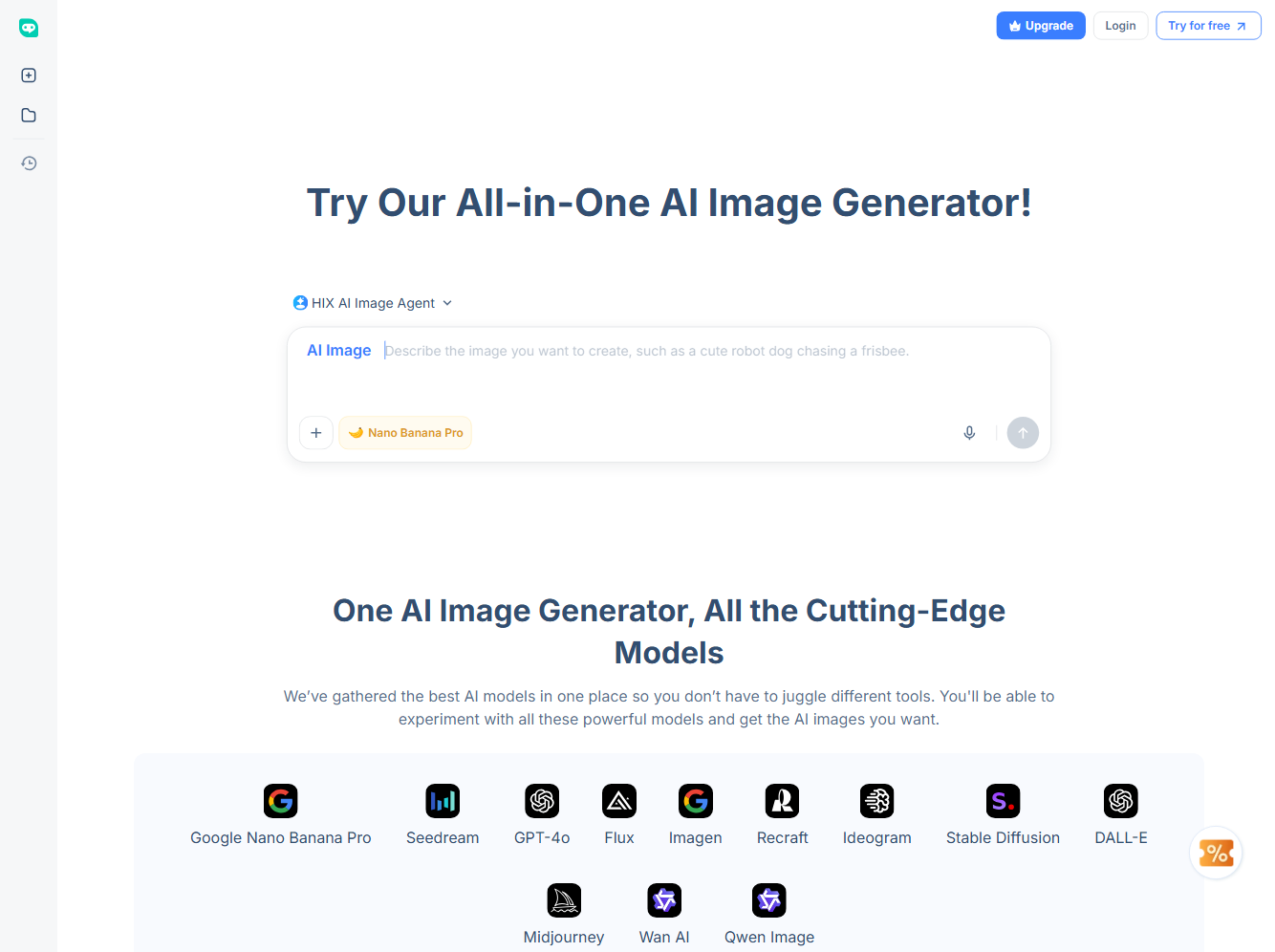
HIX AI Image Generator is an all-in-one Canva alternative for users who want AI-driven image creation rather than template-based design.
HIX AI Image Generator has integrated a large, regularly updated library of AI image models, including Google Nano Banana Pro, Midjourney, DALL·E, Imagen, GPT-4o, Recraft, and Seedream. This makes it easy to test different models without switching tools.
The standout feature of this AI image generator was its AI image agent. It's a smart, automated assistant that can plan and carry out agentic workflows to create your images.
You can upload reference images, documents, or even URLs. The system automatically refines prompts, selects the most suitable model and creates high-quality images based on the requirements, whether it’s product visuals, concept art, or realistic photography.
Another strong point of this tool is conversational editing. Instead of regenerating images from scratch, edits can be made by simply chatting, such as changing colors, adding elements, or adjusting scenes.
This workflow feels faster and more flexible than traditional design tools and makes HIX AI especially useful for creators who prioritize originality over templates.
Pros
- Access to multiple leading AI image models in one platform
- AI Image Agent that handles prompt optimization and creative direction
- Supports text, images, files, and URLs as input
- Chat-based image editing for quick revisions
- Suitable for marketing visuals, product images, and creative projects
Cons
- Some advanced features may take time to explore fully
🤖 Agentic image creation · 🧠 Multiple models · ⭐ 4.8/5 rating
Adobe Express: Best Canva Alternative for Branded Marketing Content
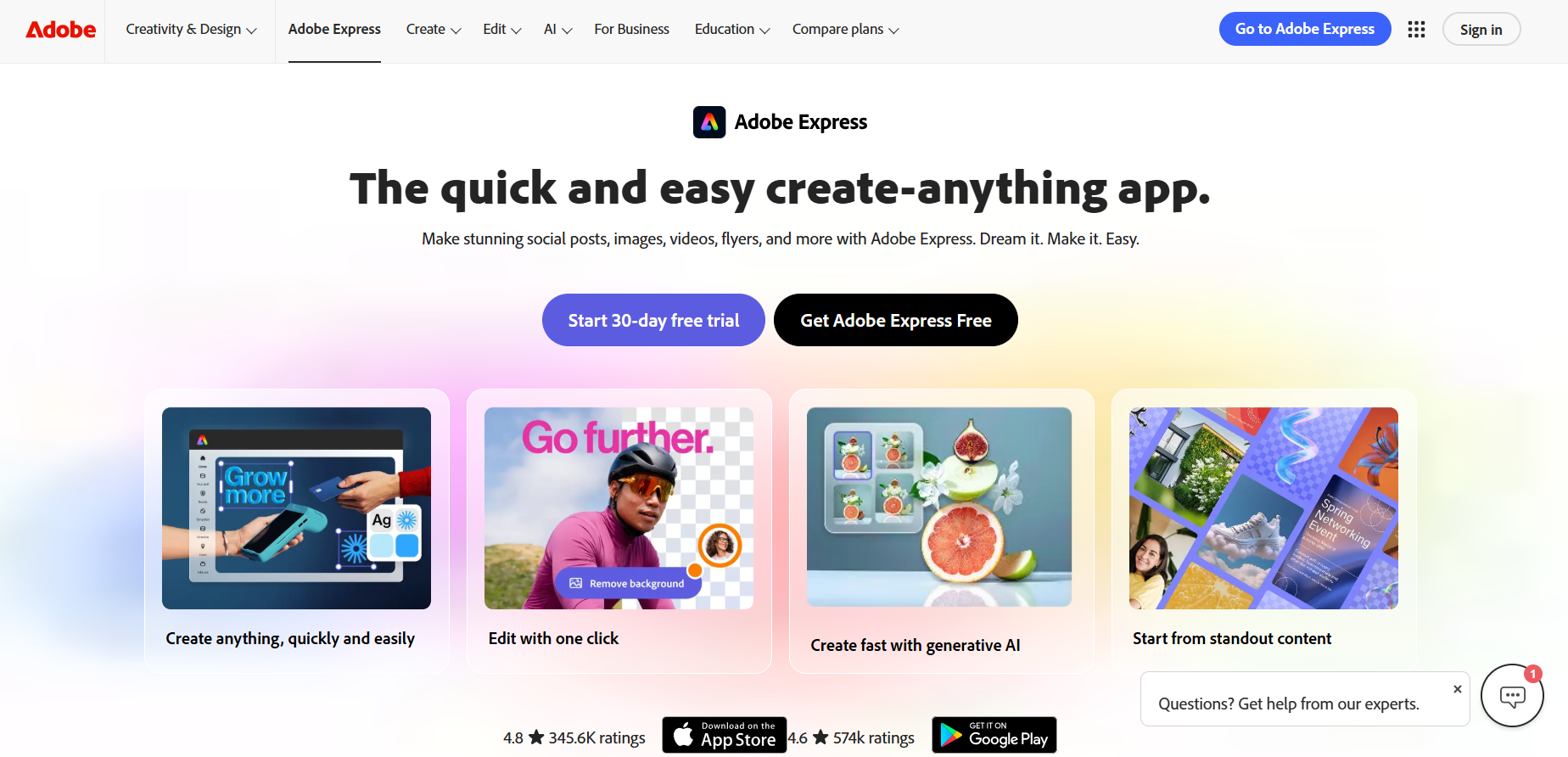
Adobe Express works well for users who want quick, polished designs with stronger brand consistency than Canva. It combines professionally designed templates with Adobe’s visual quality, making it suitable for social media graphics, flyers, presentations, and short videos.
When I explored the tool, the brand kit feature stood out the most. Fonts, colors, and logos stay consistent across designs, which is helpful when creating multiple assets for the same campaign. The templates look clean and modern, and simple animations add life to social posts without much effort.
However, Adobe Express still relies heavily on templates. It’s best for fast, on-brand designs rather than deep customization or highly original layouts.
Pros
- Strong brand kit for consistent visuals
- High-quality templates and animations
- Easy to use with a minimal learning curve
Cons
- Limited layout flexibility
- Advanced features require a paid plan
Lovart: Best Canva Alternative for Custom AI Illustrations and Artwork
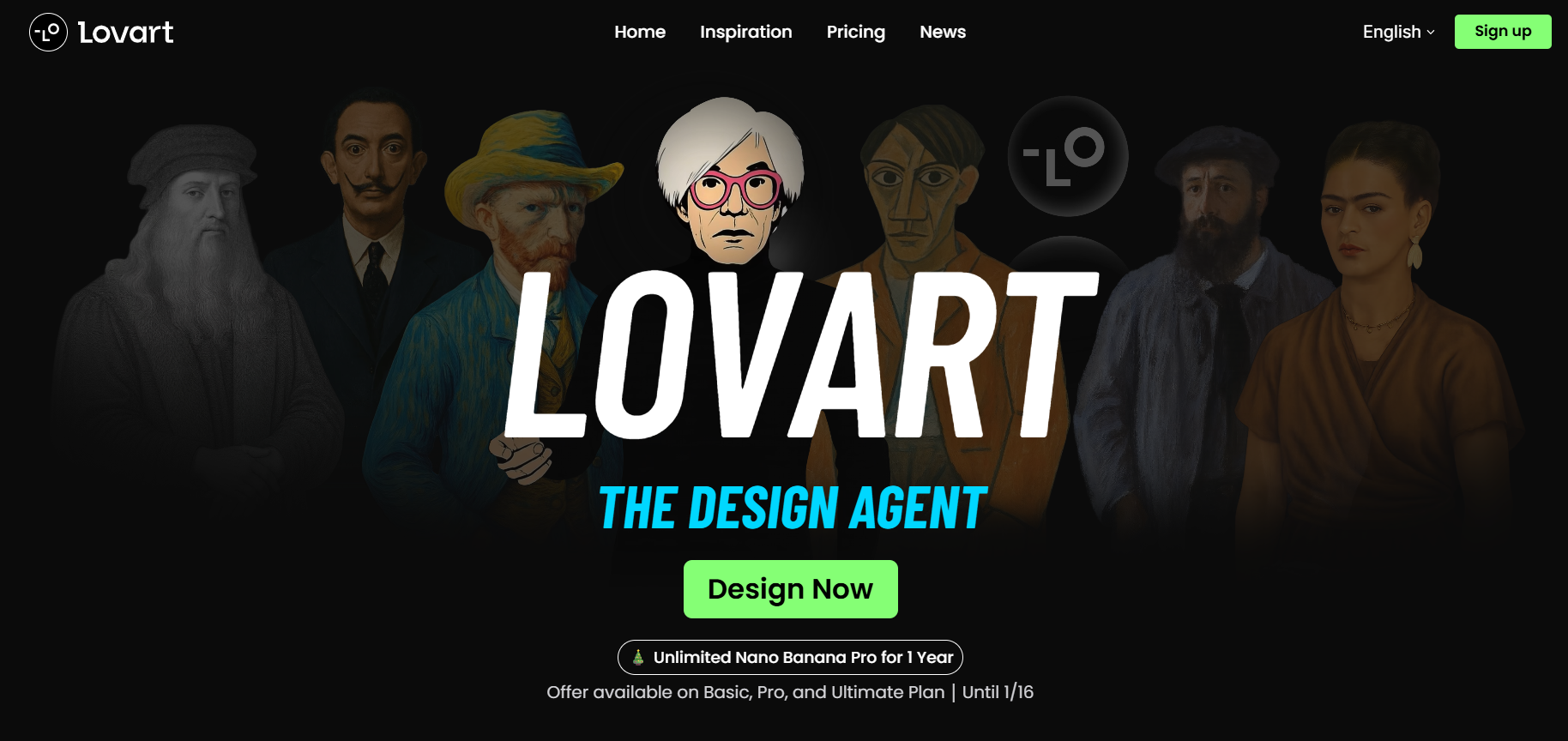
Lovart is an AI design agent that focuses more on illustration and artistic design rather than template-heavy layouts. This makes it a good Canva alternative for creators who want visuals that feel hand-crafted. While using it for social graphics and simple posters, the illustration styles stood out as more expressive and less repetitive than typical template designs.
The tool works well for generating custom artwork, icons, and visual elements that can later be used inside other design platforms. However, it’s not meant to replace full design editors and works best as a complementary tool rather than an all-in-one solution.
Pros
- Unique illustration-focused designs
- Good for custom visuals and artwork
- Brings all formats in one place
Cons
- Limited layout and text editing options
- Not ideal for complete designs
Fotor: Best Canva Alternative for Quick Graphic Design
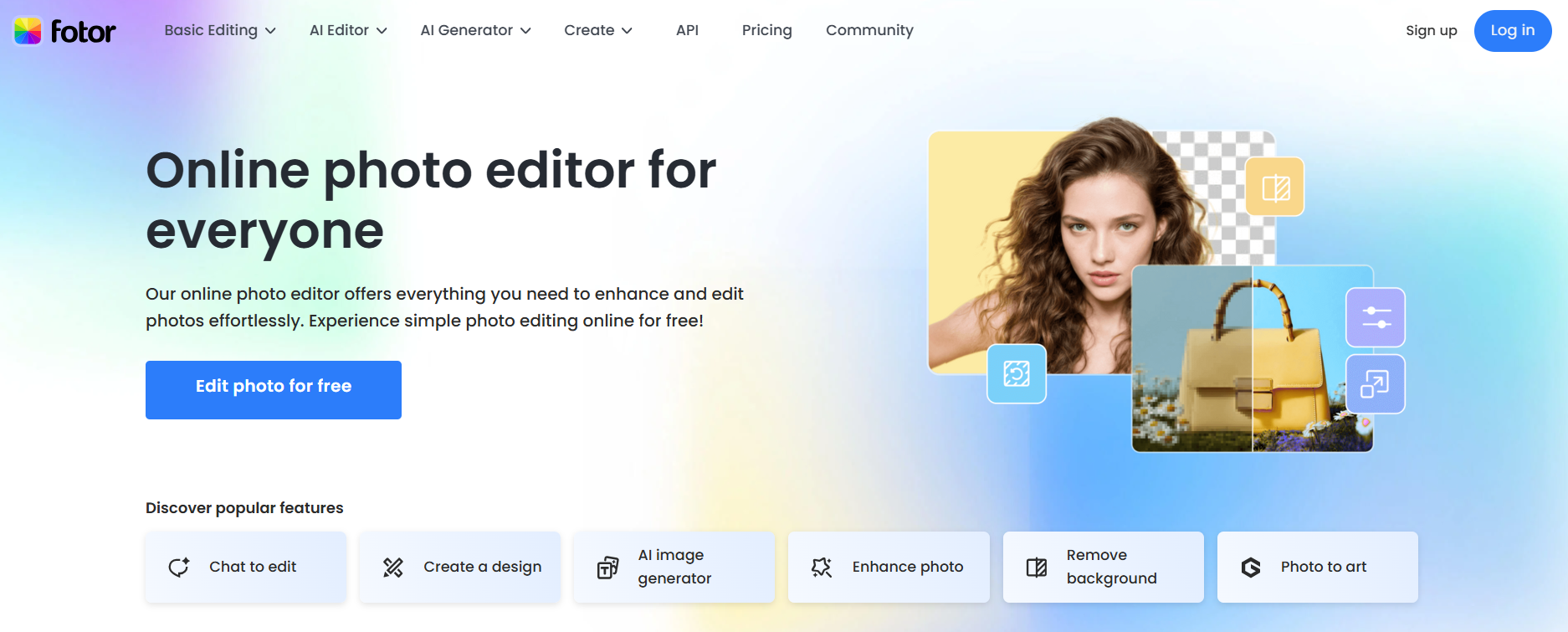
Fotor is a versatile design tool that works well for creating social media posts, banners, and marketing visuals quickly. Unlike Canva, it combines AI-powered image editing with ready-to-use templates, making it ideal for users who want polished graphics without starting from scratch.
Its AI tools for background removal, photo enhancement, and filter application stood out. The templates are clean and easy to customize, and exporting designs is fast and straightforward.
Pros
- AI-powered image editing
- Clean, editable templates
- Fast and beginner-friendly
Cons
- Limited advanced layout options
- Some features require a paid plan
Pixlr: Best Canva Alternative for Quick Image Editing
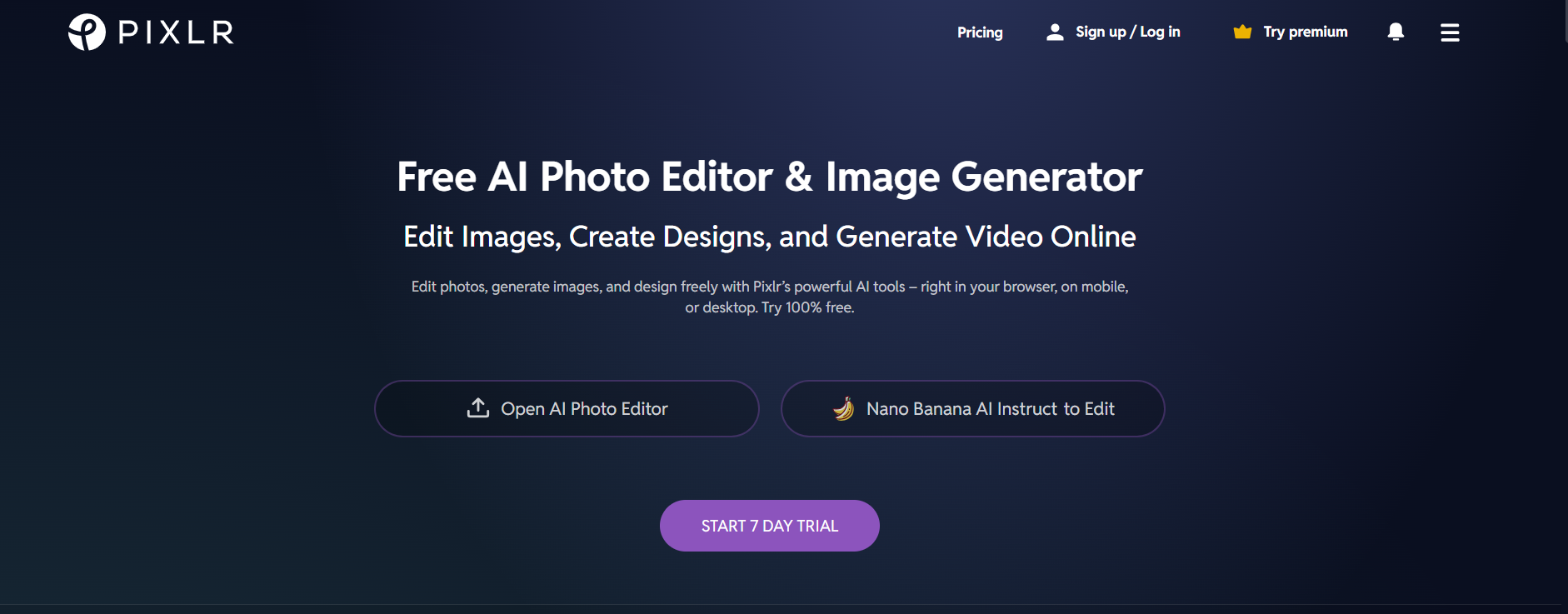
Pixlr is a lightweight, browser-based design tool ideal for fast image editing and social media graphics. Unlike Canva, it focuses on photo adjustments, overlays, and quick creative edits rather than heavy template use.
As I navigated through the tool, I found that it has a very intuitive interface, and you can easily access AI-powered tools like background removal and auto-enhance. It’s perfect for users who want to tweak images or create simple visuals on the go without a steep learning curve.
Pros
- Fast, easy image editing
- AI tools for quick enhancements
Cons
- Limited template options
- Not suited for full multi-page designs
Snappa: Best Canva Alternative for Fast Marketing Graphics Making
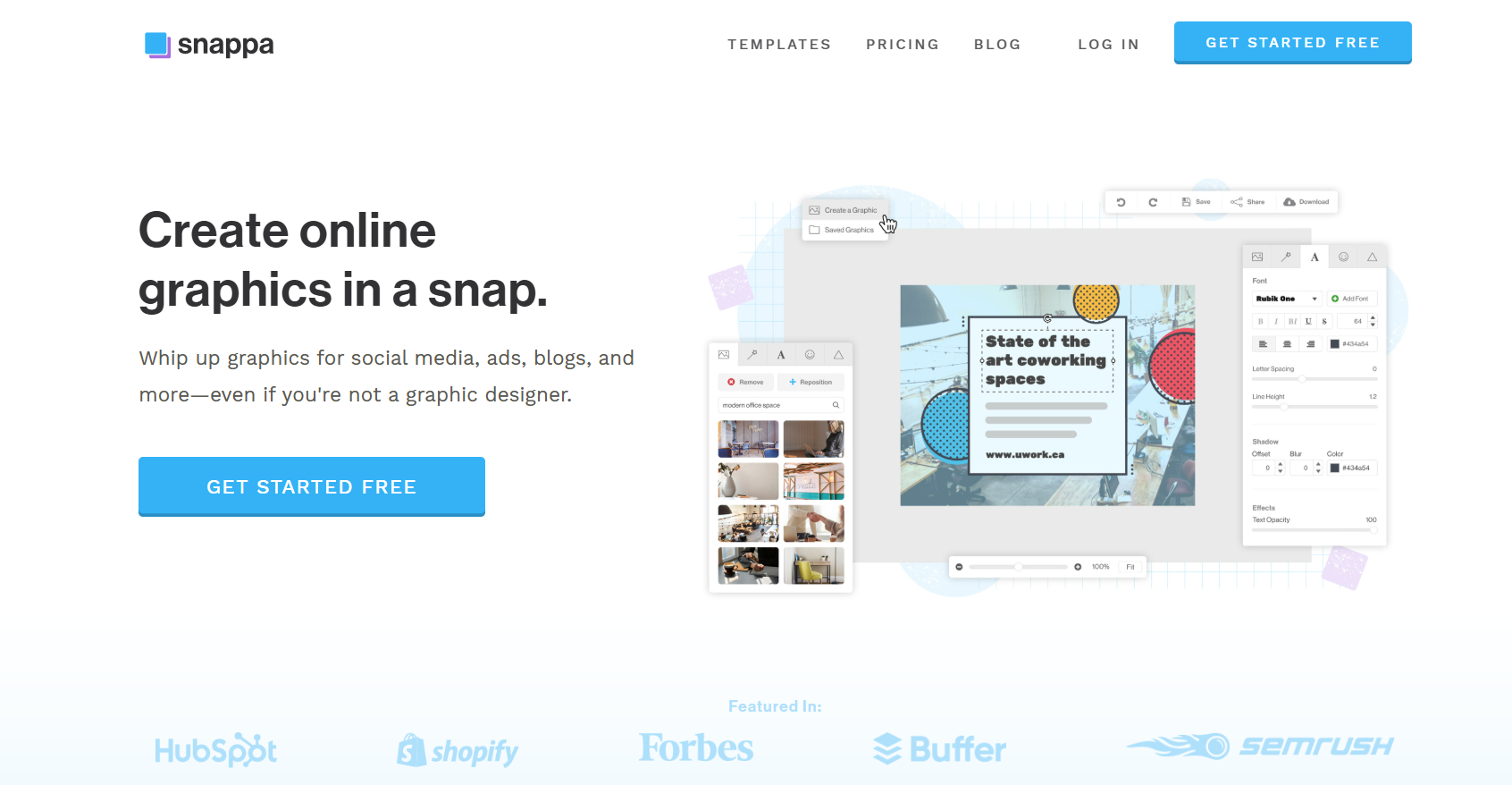
Snappa is a simple, user-friendly design tool built for creating social media visuals, ads, and blog graphics quickly. Unlike Canva, it focuses on speed and efficiency, making it ideal for marketers and small business owners who need ready-to-post content fast.
Its drag-and-drop editor made resizing, layering, and customizing templates effortless. The stock photo library and pre-designed templates help create polished graphics without much effort.
Pros
- Quick and easy to use
- Large library of stock images and templates
- Optimized for social media
Cons
- Limited advanced editing features
- Fewer templates compared to Canva
Visme: Best Canva Alternative for Infographics & Presentations
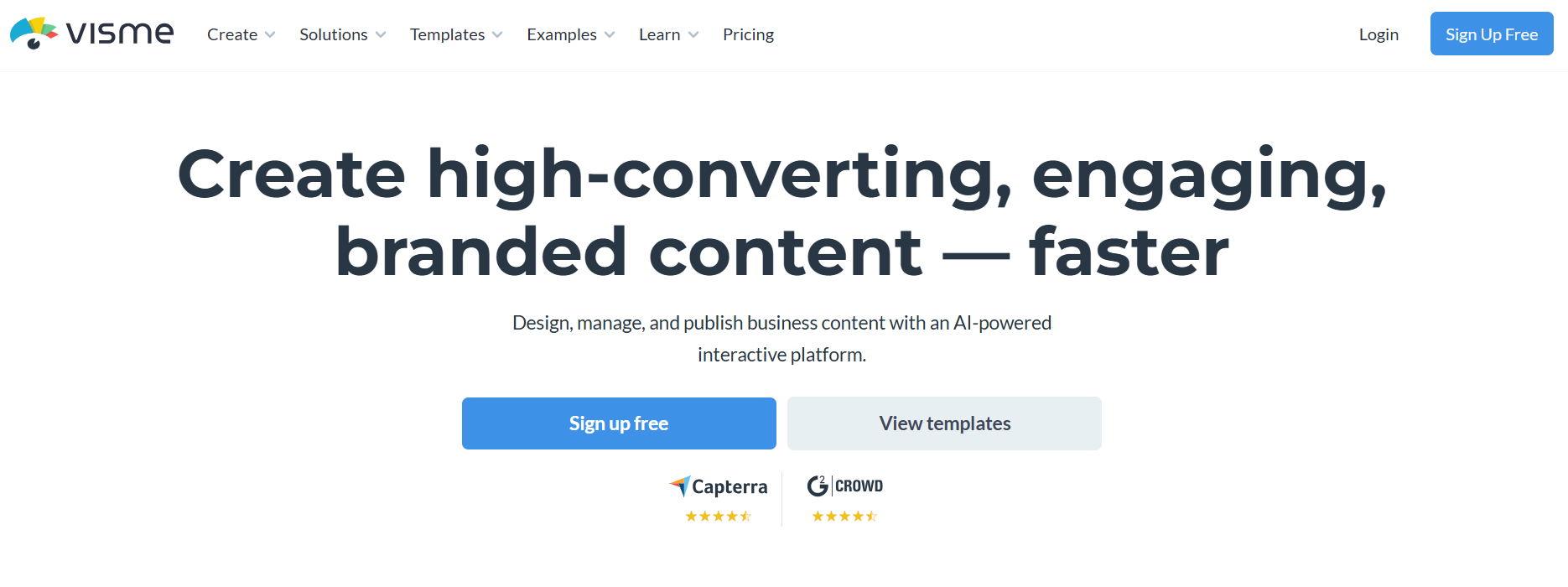
Visme excels at creating visually engaging presentations, infographics, and reports, making it a strong Canva alternative for professional or educational content. It combines drag-and-drop simplicity with a wide range of charts, graphs, and interactive elements.
In my experience, Visme was a good Canva alternative for its easy-to-use infographic tools and customizable templates, which made presenting data visually appealing and clear. It also allows embedding interactive elements, animations, and videos to enhance engagement.
Pros
- Excellent for presentations and infographics
- Interactive elements and animations
- Customizable templates and charts
Cons
- Limited social media templates
- Advanced features require a paid plan
Fluer: Best Canva Alternative for Professional Marketing Materials
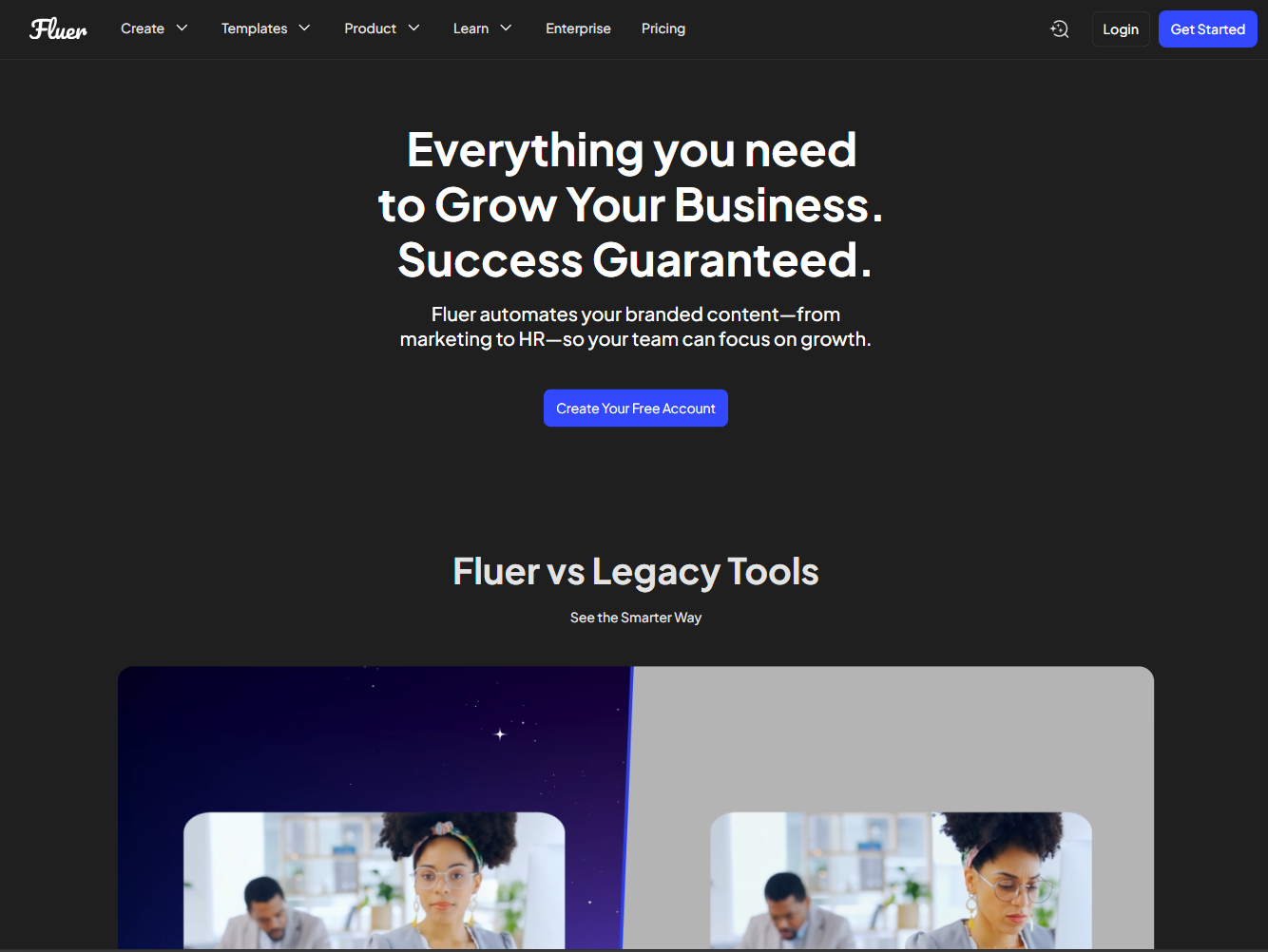
Fluer, (previously Desygner), is a comprehensive Canva alternative that combines AI-assisted design with a full suite of marketing tools.
It enables users to create social media posts, presentations, PDFs, and branded content quickly, using AI assistants to suggest layouts, copy, and visuals.
Overall, in Fluer, generating marketing materials was fast and intuitive, while resizing and exporting for multiple channels was seamless.
The platform also supports PDF editing, background removal, and unlimited stock images, making it ideal for businesses and creators looking to streamline their workflow.
Pros
- AI-assisted design for fast creation
- Extensive template and stock image library
- Seamless multi-platform resizing
Cons
- Advanced design features can feel limited
- Team collaboration tools are basic compared to some alternatives
Stencil: Best Canva Alternative for Social Media Graphics
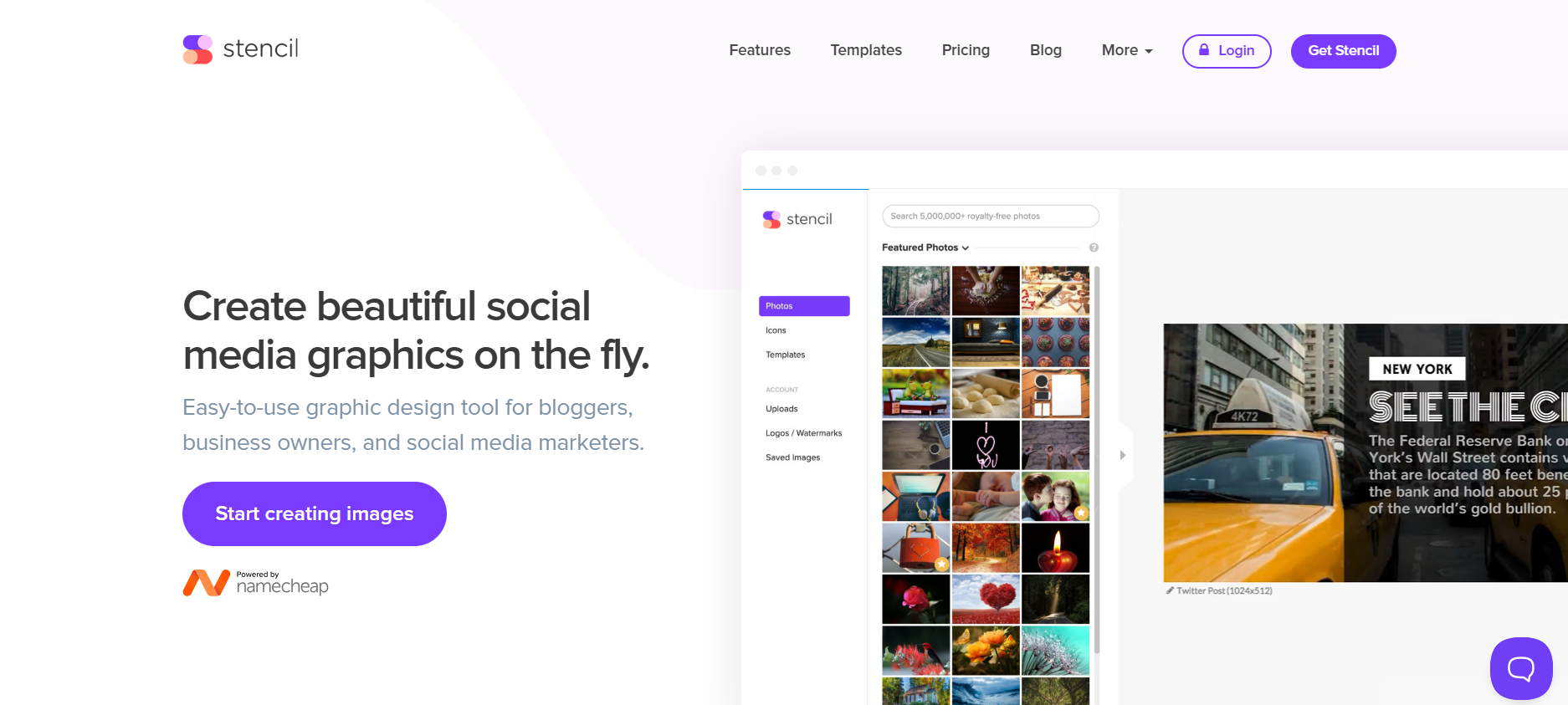
Stencil is a fast and easy-to-use graphic design tool ideal for bloggers, business owners, and social media marketers.
With over 5 million royalty-free stock photos, 1,350+ templates, and 3.1 million icons and graphics, creating professional visuals is simple. Users can upload multiple logos, add custom fonts, and choose from 140+ preset sizes for social posts, ads, and blog graphics.
Also its browser extensions and a WordPress plugin make designing easy across platforms.
Pros
- Extensive templates and stock library
- Preset sizes for all social platforms
- Easy multi-platform accessibility
Cons
- Limited advanced editing features
- Can feel basic for professional designers
BeFunky: Canva Alternative for Photo Editing and Collage Making
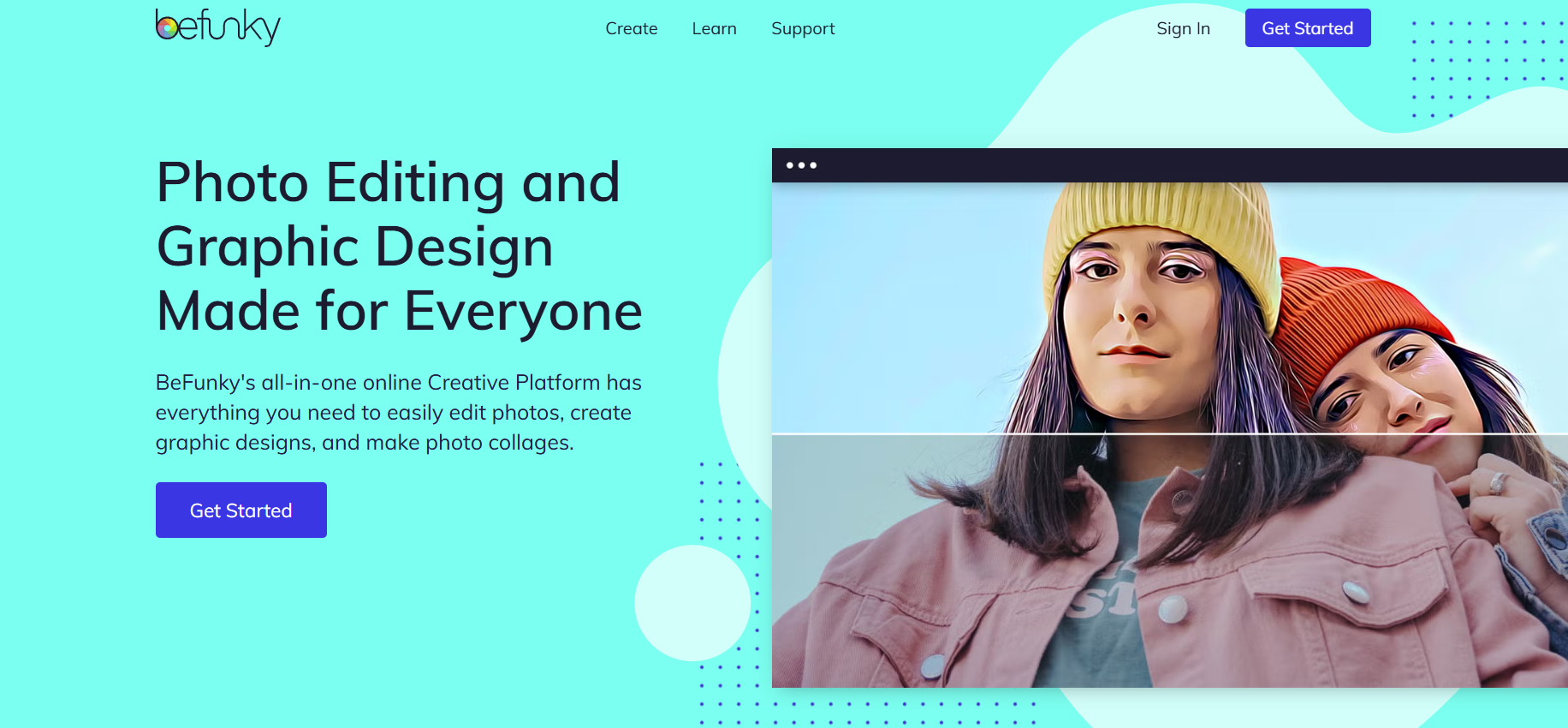
BeFunky is an all-in-one creative platform designed for photo editing, graphic design, and collage making. Its AI-powered background remover, batch photo editor, and artsy filters make editing quick and professional.
The platform offers customizable design templates, thousands of vector graphics and icons, and over a million free stock images from Pixabay and Pexels.
BeFunky’s Collage Maker and Graphic Designer tools simplify creating social media posts, Pinterest graphics, and more, without complex software.
Pros
- AI background remover and batch editing
- Huge library of templates, icons, and stock images
- Mobile-friendly and easy to use
Cons
- Limited advanced design customization
- Some features require a paid subscription
Bottom Line
Choosing the best Canva alternative comes down to your workflow and creative goals. Whether it’s AI-powered image generation or versatile design platforms, the apps I mentioned above help you create stunning visuals quickly, efficiently, and effortlessly.
And if you need more powerful AI image generation capabilities than Canva can offer, I strongly suggest you give HIX AI a try! Its agentic workflows and integration of all the best image models can help you tackle any AI image making project.
🤖 Agentic image creation · 🧠 Multiple models · ⭐ 4.8/5 rating
/hub/ai-image/best-canva-alternatives


